Table of Contents
- Getting Started
- Users
- Finances
- Posts
- Stories
- Streams
- Site
- Settings
- System
Getting Started
Logging in to the Admin Panel
/login → /admin
Access the LaboFans admin dashboard using your administrator account credentials.
- Go to https://labofans.com/login
- Accept the age-verification prompt if shown
- Enter your admin email and password, then click Login
- After login, open https://labofans.com/admin
- Only users with admin permissions can access /admin
- Bookmark the admin URL for quick access
Dashboard
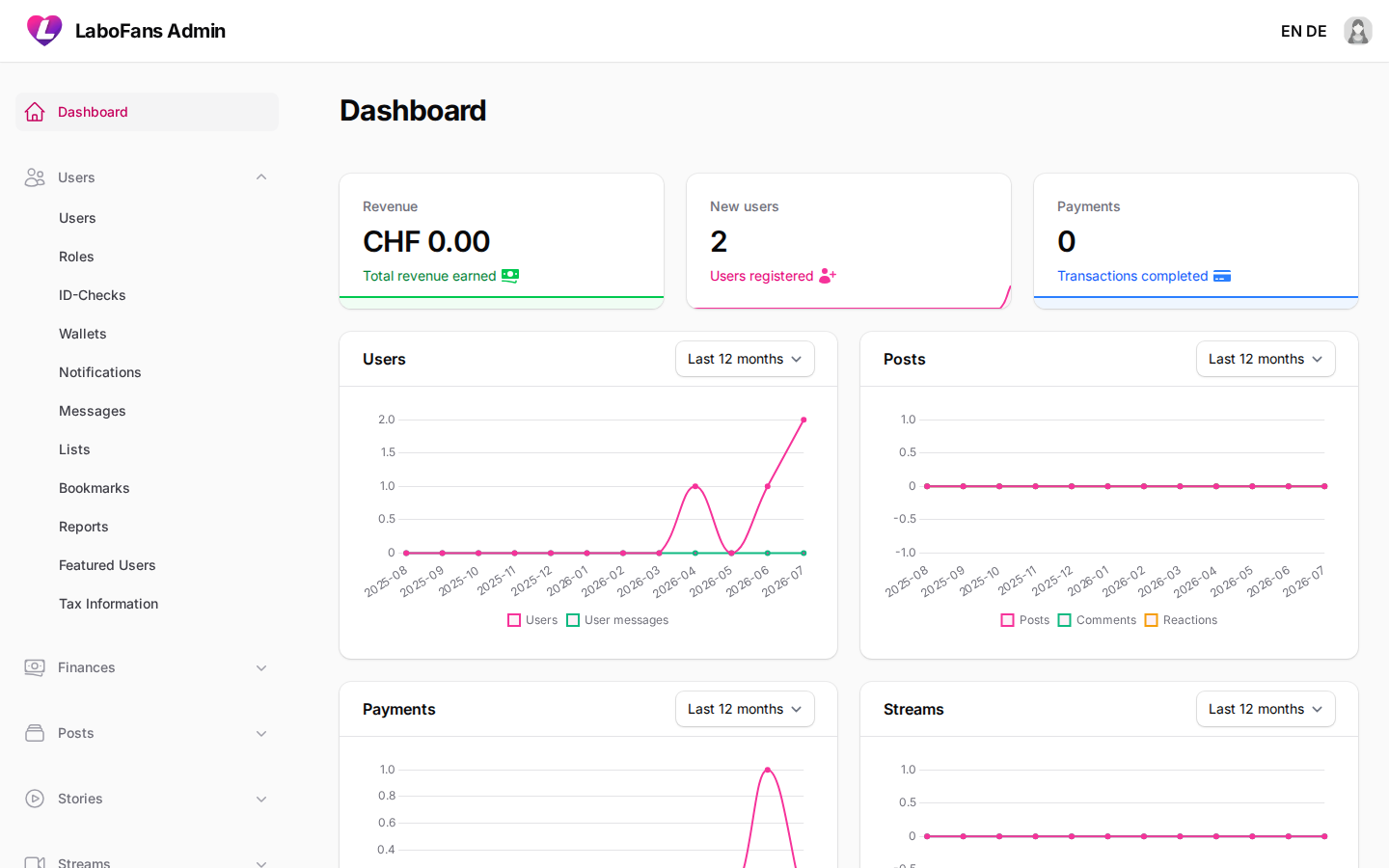
/admin
Your home screen. Shows key platform statistics, charts, and system health warnings.
- Review revenue, new users, and payment totals for the last 30 days
- Use charts to monitor users, posts, payments, and streams over time
- Check warning widgets for pending migrations, storage symlink issues, or server configuration problems
- Address red/orange warning widgets promptly — they indicate setup issues that can break uploads or updates
Users
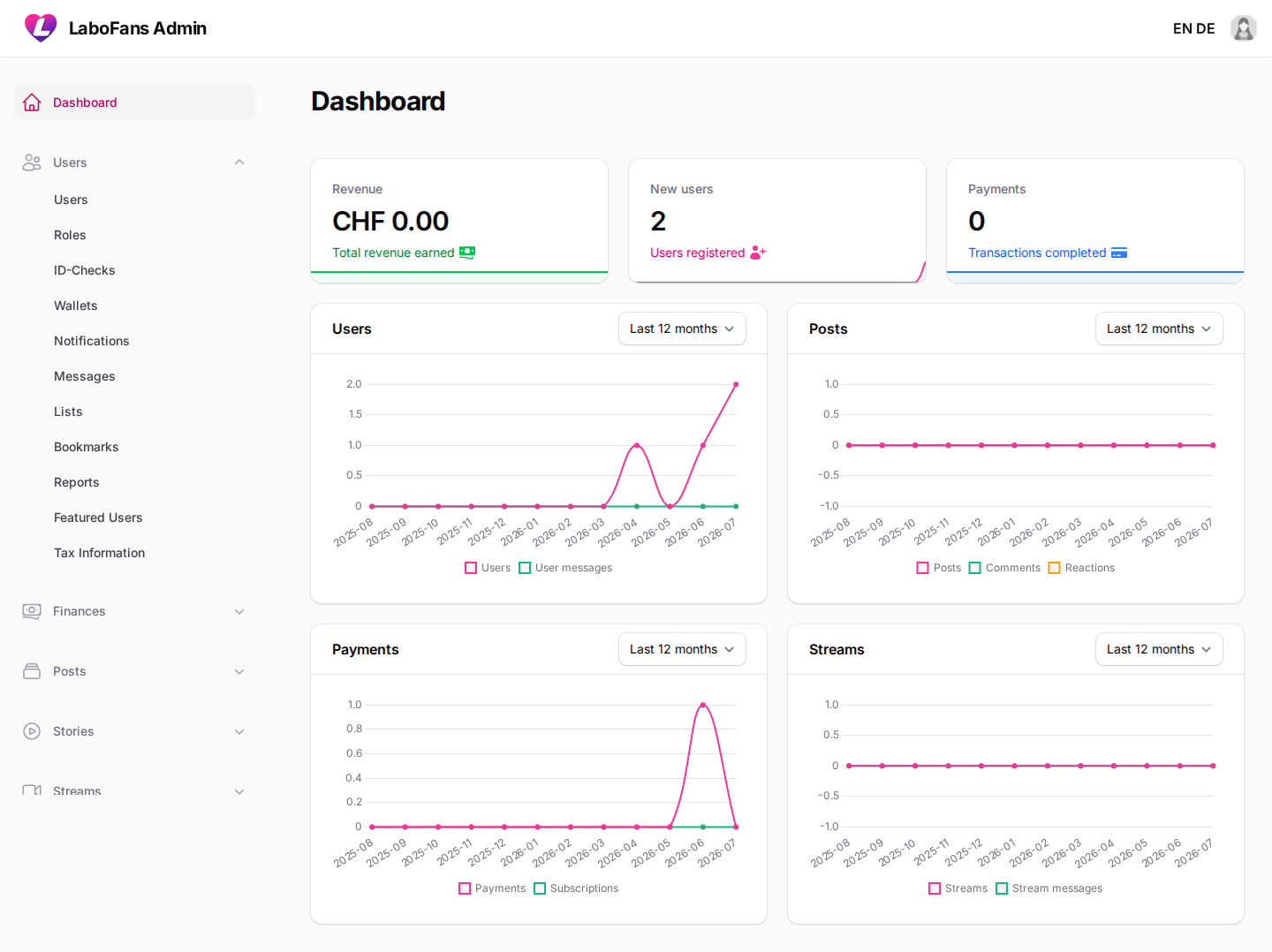
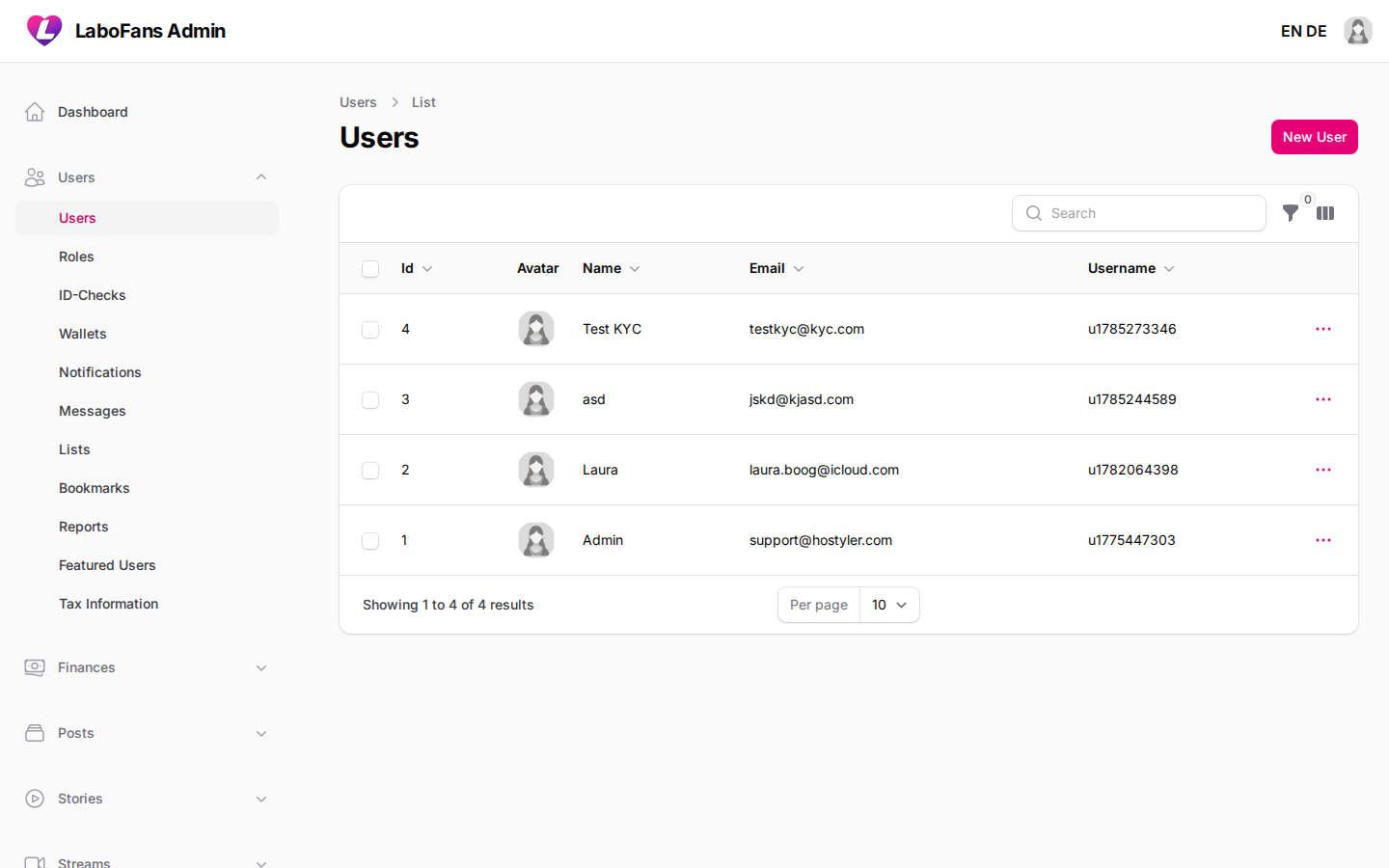
Users
/admin/users
Manage all registered accounts — fans, creators, and admins.
- Search and filter users by name, email, or username
- Click a user to view or edit their profile, pricing, verification status, and billing details
- Use actions to impersonate a user (for support), open their public profile, or delete the account
- Set subscription prices and profile visibility here for creators
- Check email verified and identity verified dates for compliance
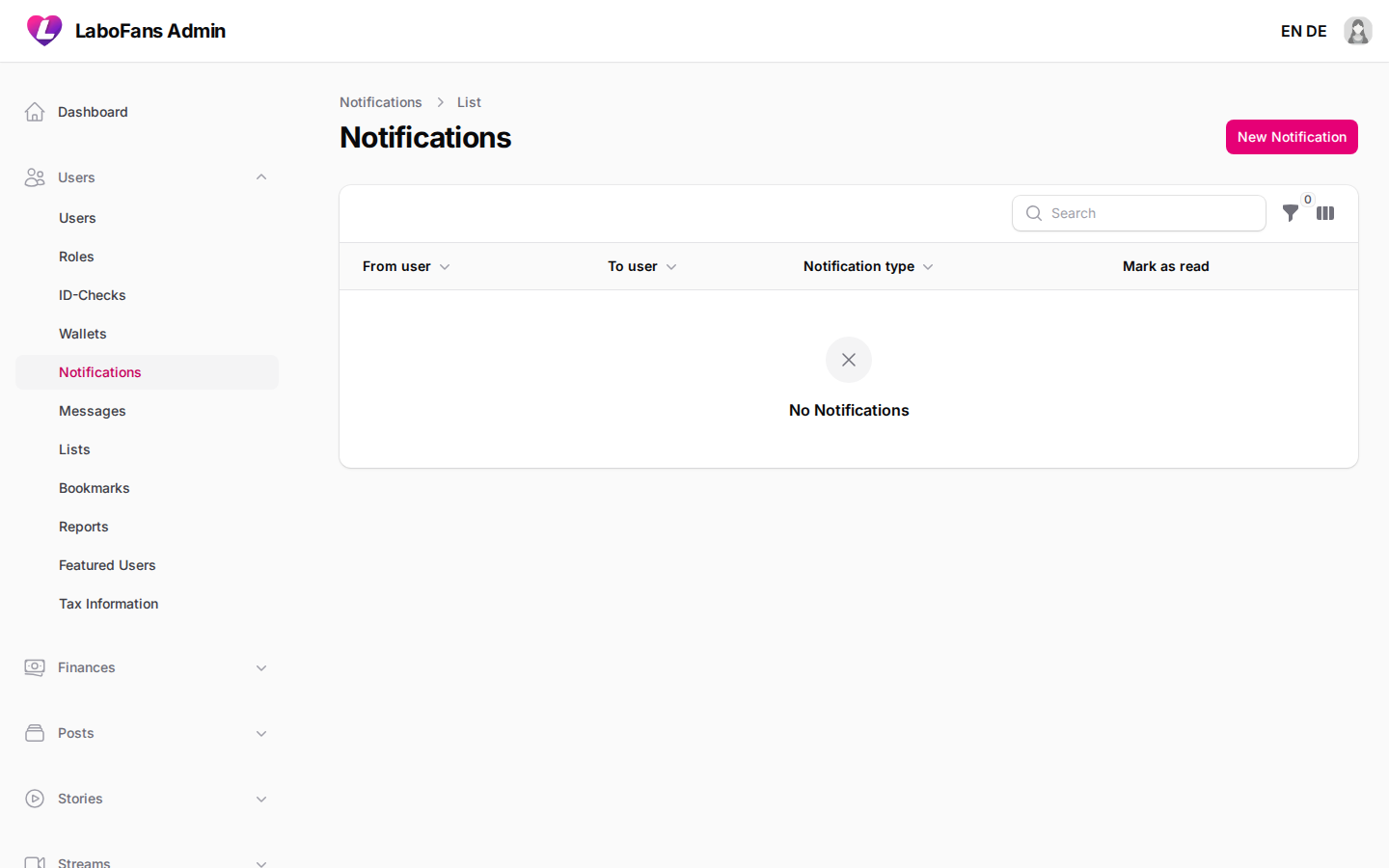
Roles & Permissions
/admin/shield/roles
Control what each admin role can access in the dashboard (Filament Shield).
- Create or edit roles (e.g. Admin, Moderator)
- Assign permissions per resource: view, create, edit, delete
- Assign roles to users from the Users screen
- Give moderators only the sections they need — e.g. Posts and Reports, not Payments settings
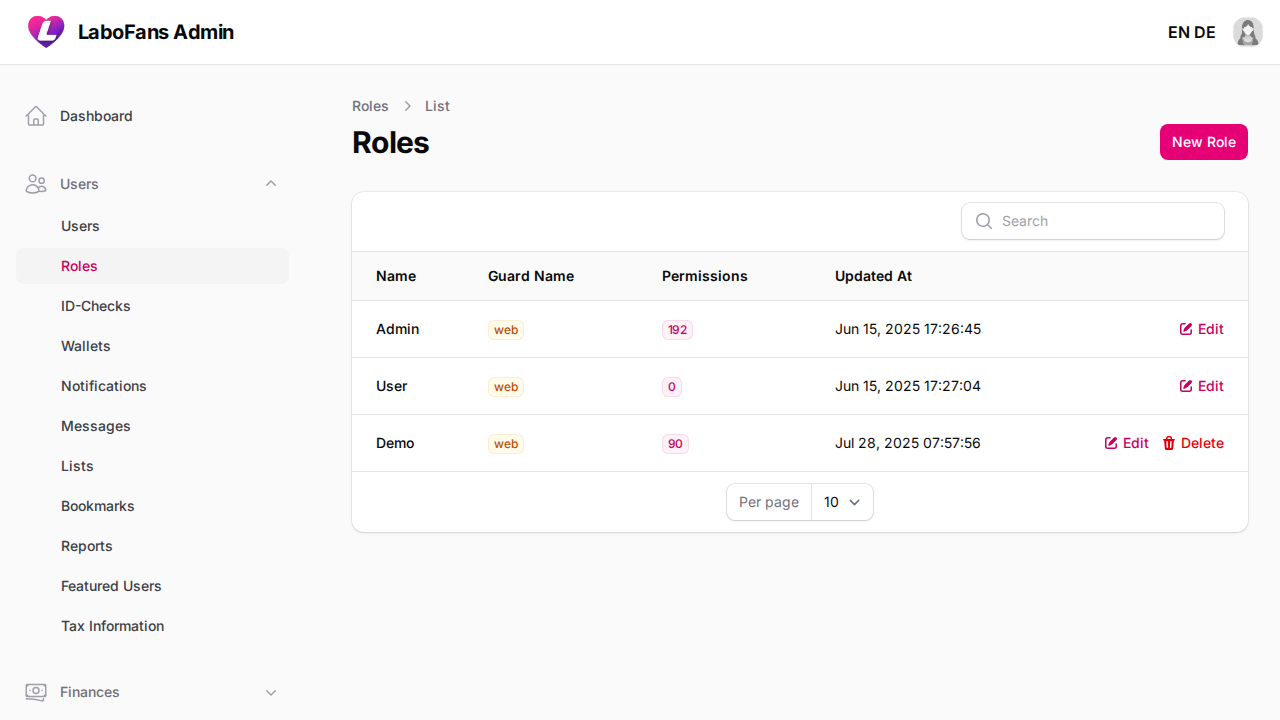
ID Checks (User Verifies)
/admin/user-verifies
Review manual identity verification requests. Didit (automatic KYC) verifications are handled separately and appear here for reference.
- Open the Pending tab to see requests awaiting review
- View uploaded ID images and user details
- Approve or reject with a rejection reason
- The sidebar badge shows how many manual checks are pending
- When KYC (Didit) is enabled, most verifications are automatic
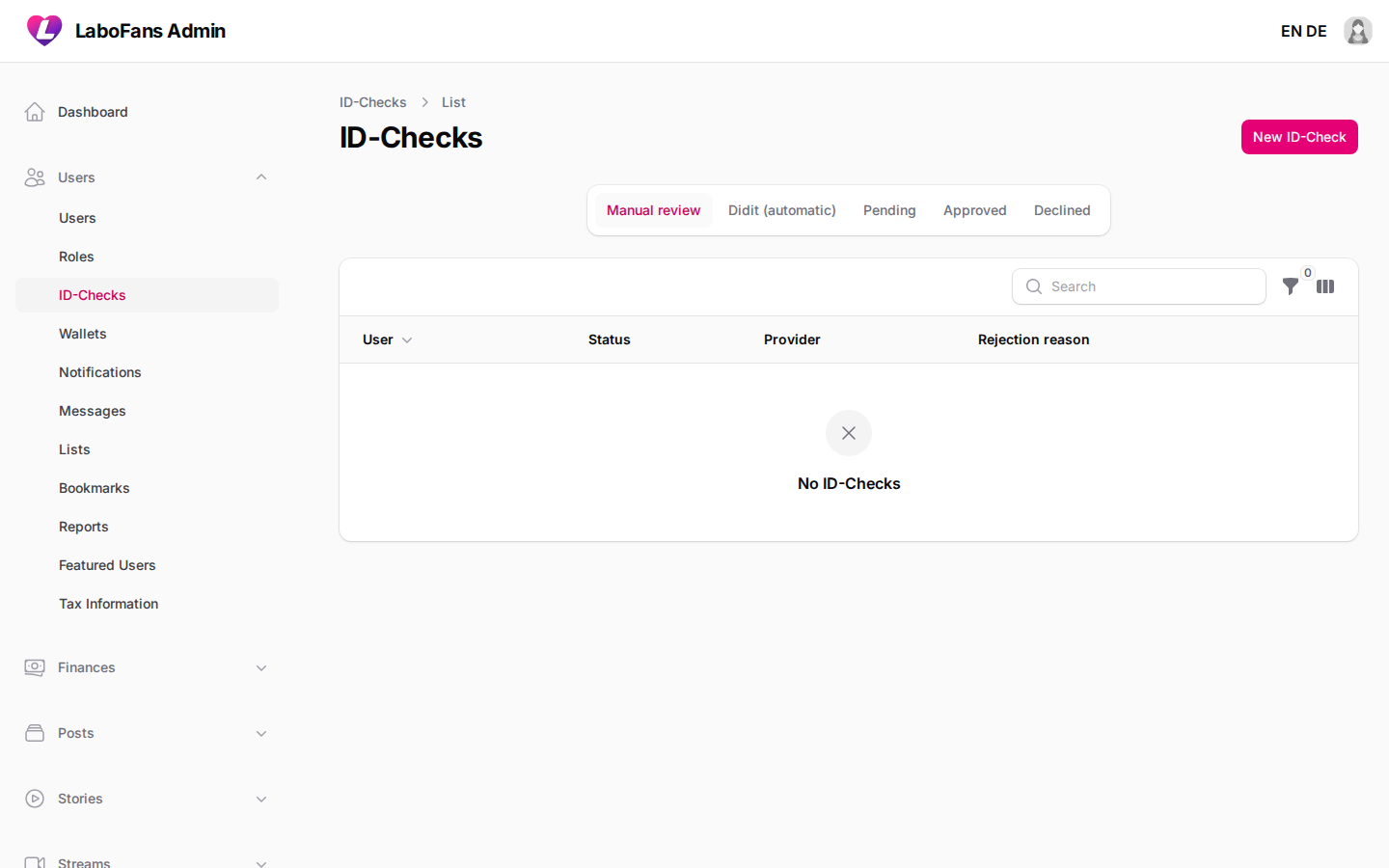
Wallets
/admin/wallets
View user wallet balances used for tips, deposits, and platform payments.
- Search by user
- View total wallet amount per user
- Use for support when investigating payment issues
- Wallet balance is separate from withdrawable creator earnings
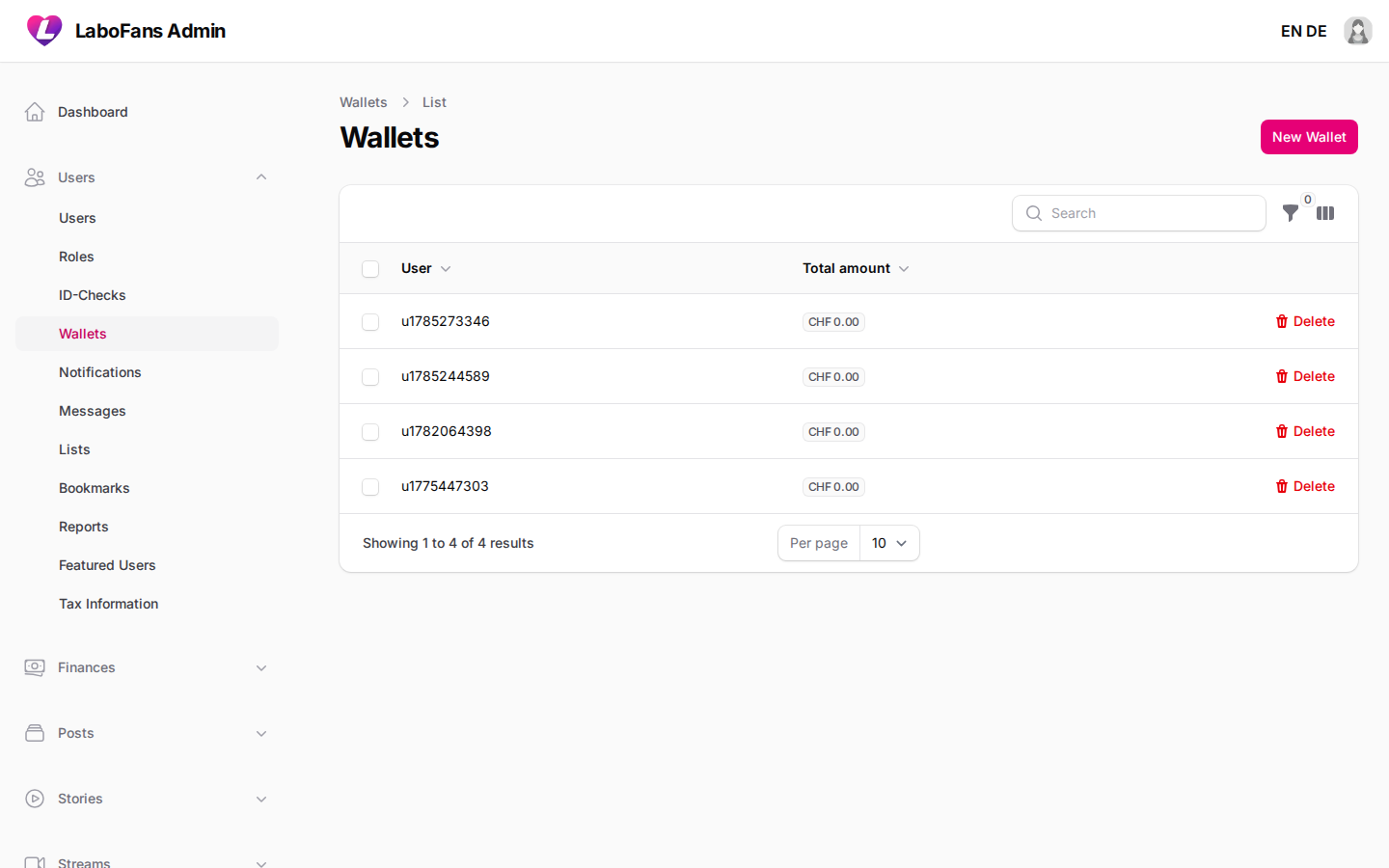
Notifications
/admin/notifications
Audit in-app notifications sent to users (tips, subscriptions, comments, etc.).
- Filter by type or user
- Inspect linked post, message, or transaction IDs
- Useful for debugging “user didn’t get notified” tickets
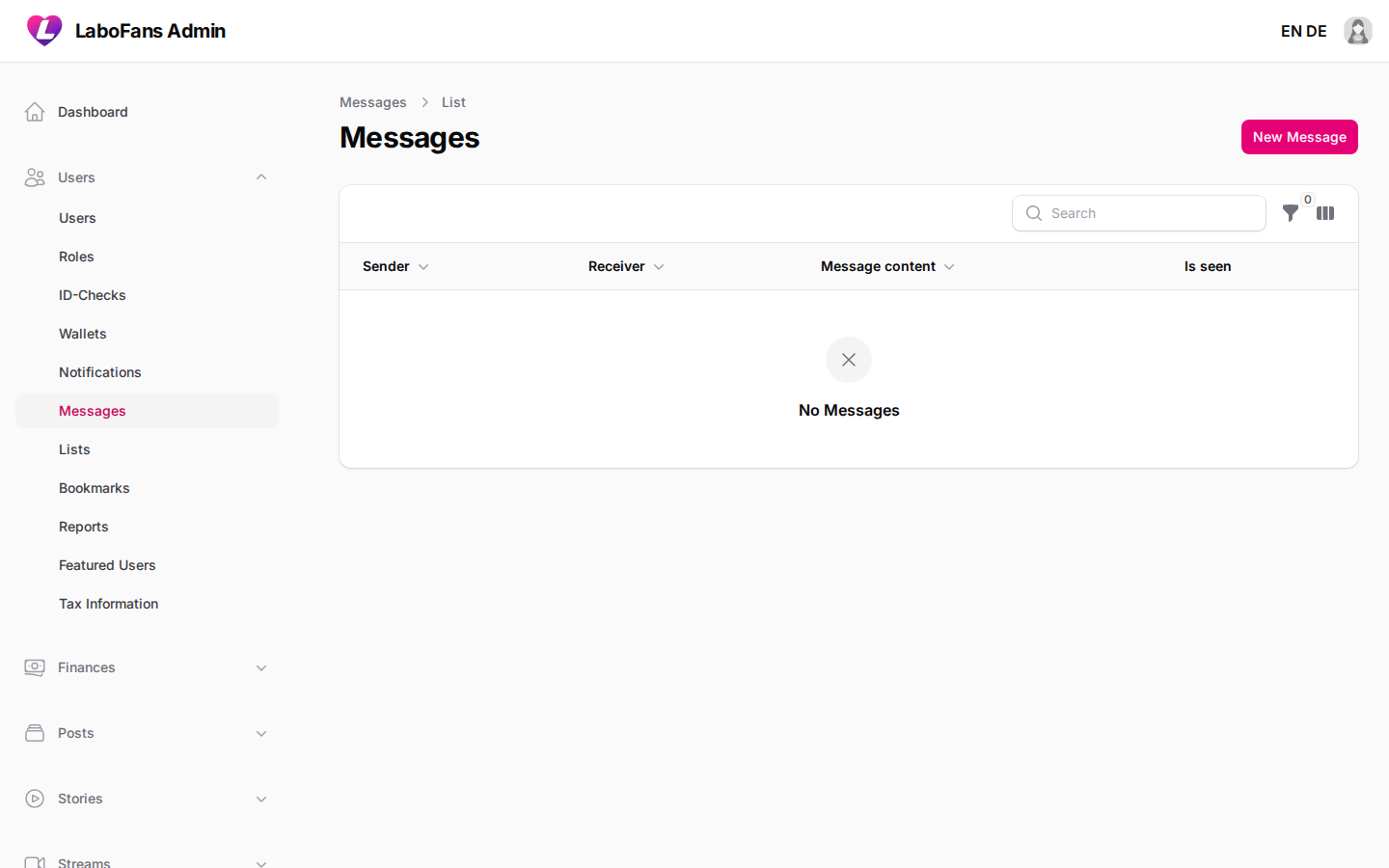
Messages
/admin/user-messages
View direct messages between users, including paid messages.
- Search messages
- Open a message to see attachments and payment details
- Delete abusive content if needed
- Respect user privacy — only review messages when handling reports or legal requests
Lists
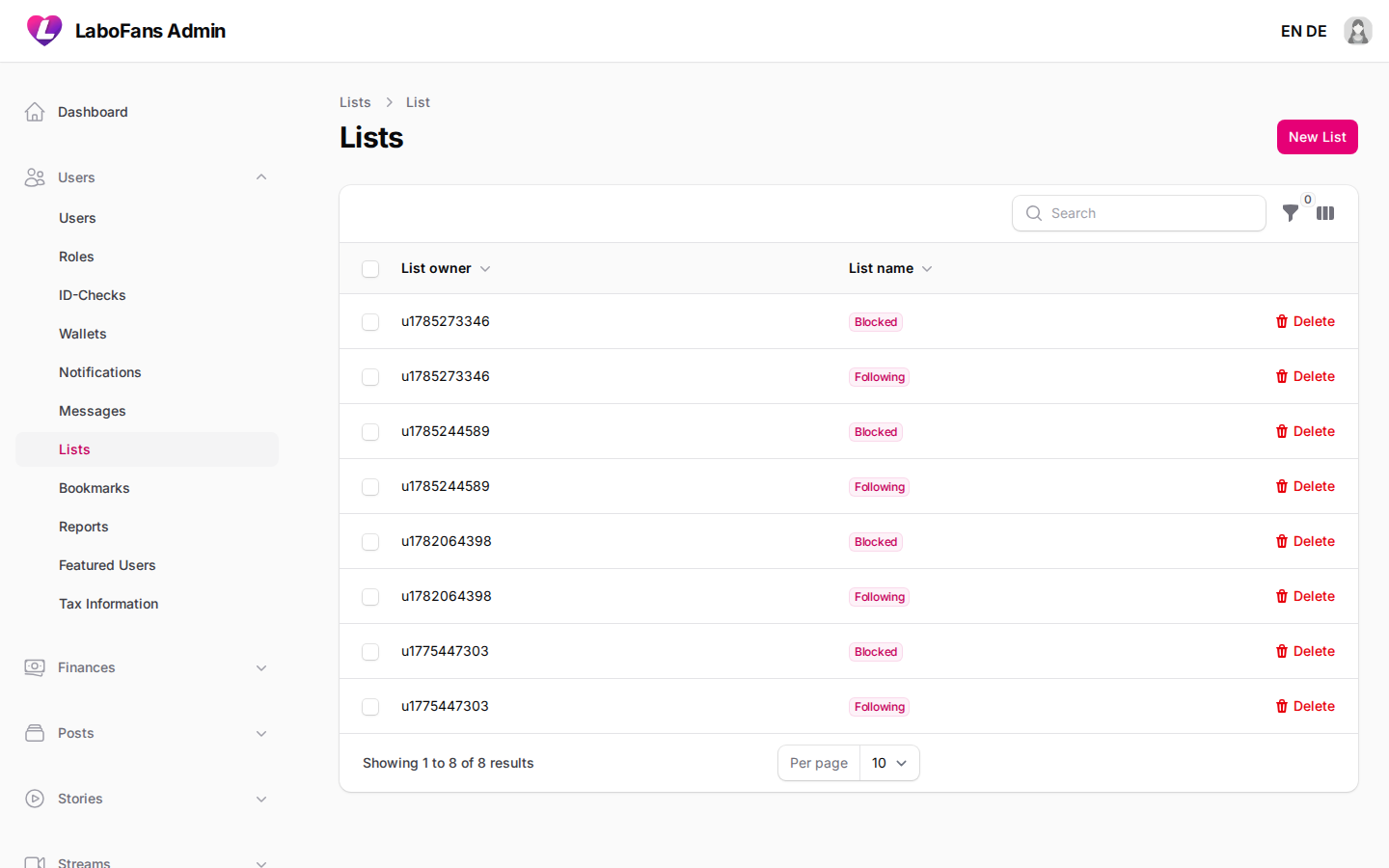
/admin/user-lists
Manage user follow lists, block lists, and custom lists.
- View list owner and list type
- Open members sub-page to see who is on each list
Bookmarks
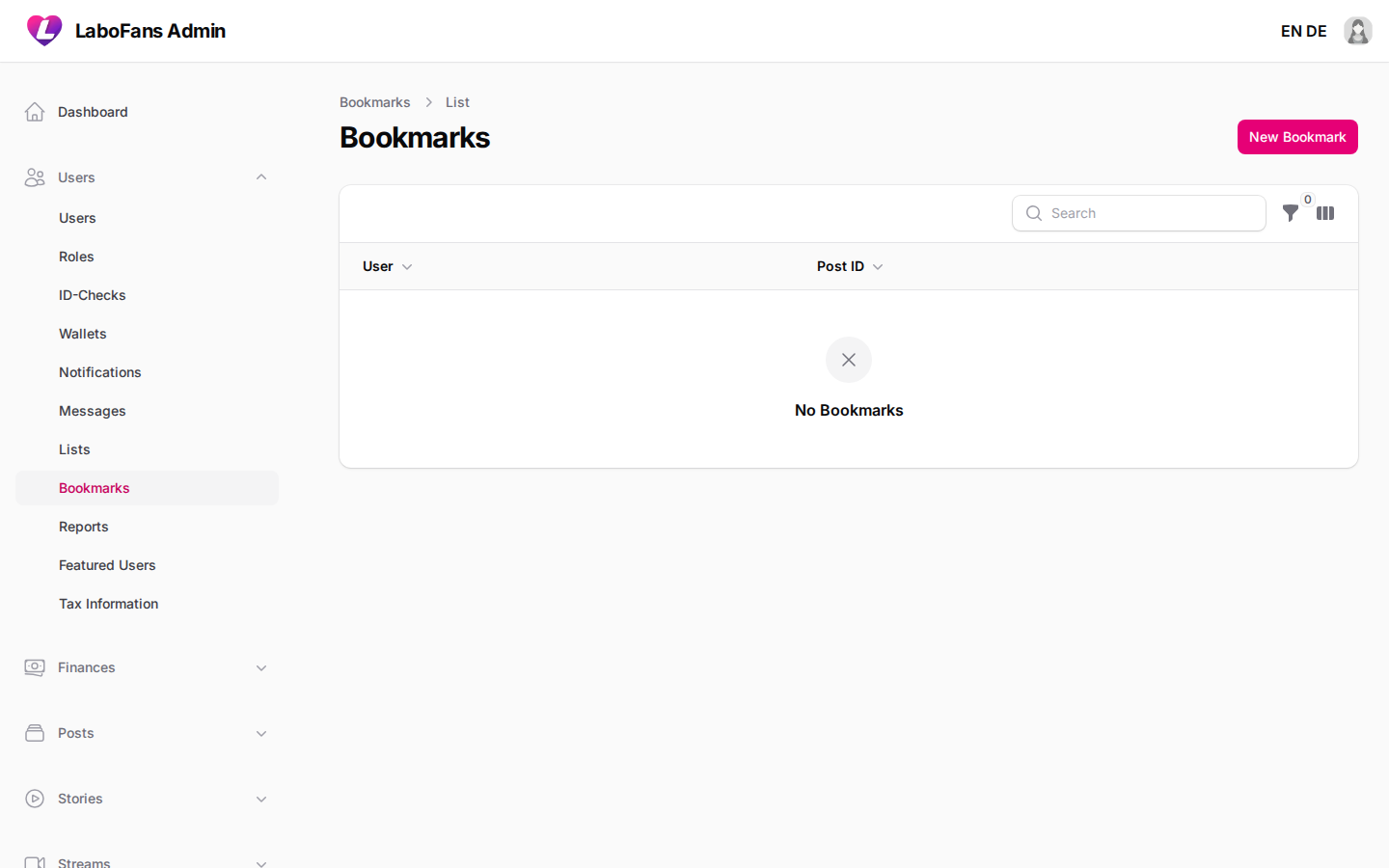
/admin/user-bookmarks
See which posts users have bookmarked.
- Filter by user or post ID
Reports
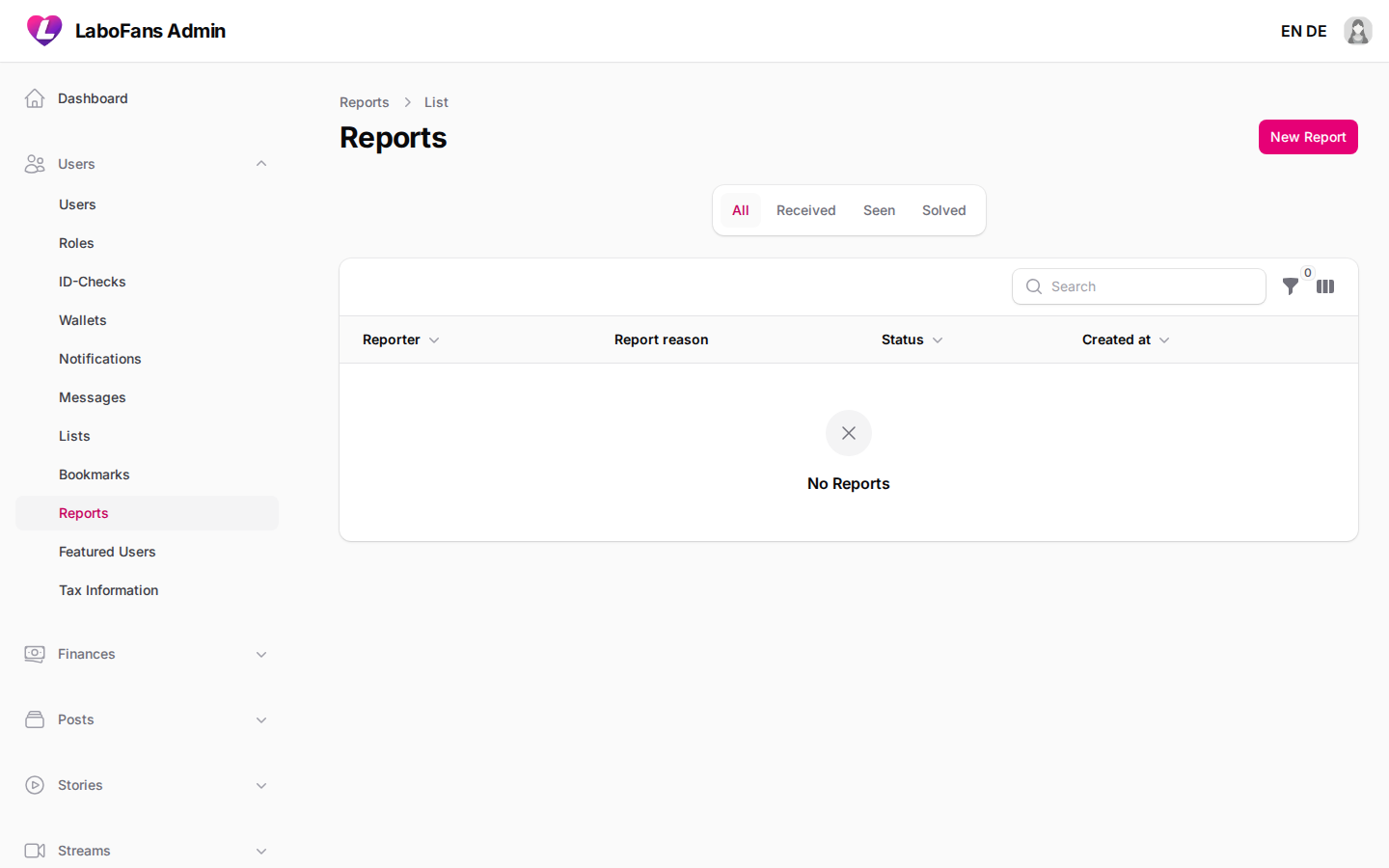
/admin/user-reports
Handle user-submitted reports for posts, messages, streams, or profiles.
- Check the Received tab for new reports (badge shows pending count)
- Read report reason and details
- Mark as seen/solved after taking action on the reported content or user
- Prioritize DMCA and abuse reports
- Use linked post/message/stream to jump to the content
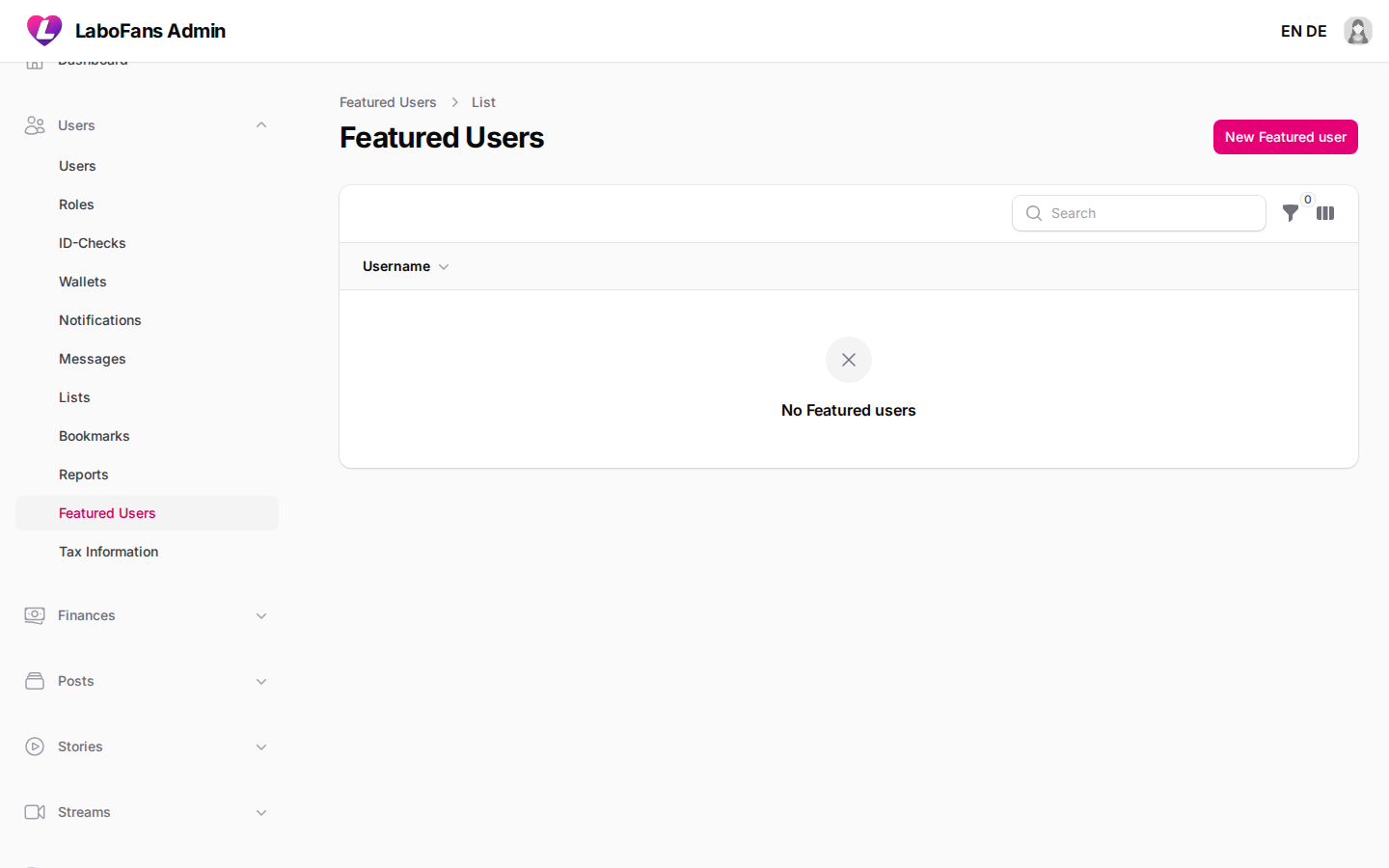
Featured Users
/admin/featured-users
Choose creators to highlight on the platform (e.g. explore page, suggestions).
- Add a creator to the featured list
- Remove users who should no longer be promoted
- Keep the list curated — quality over quantity
Tax Information
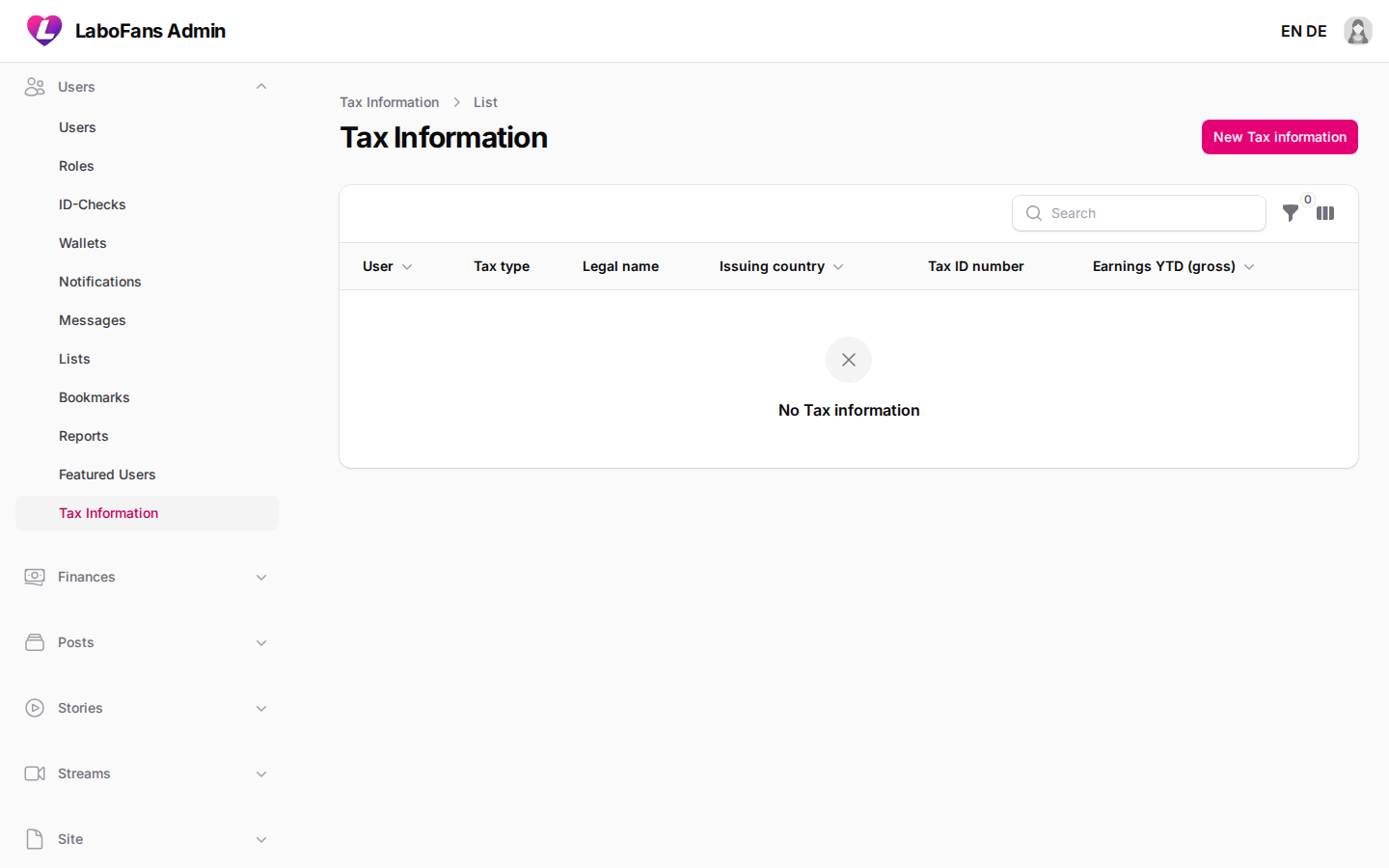
/admin/user-taxes
Store and review creator tax identity data (e.g. DAC7 compliance).
- View legal name, tax ID, address, and year-to-date earnings per creator
- Filter by minimum earnings threshold
- Required in some regions before payouts above certain thresholds
Finances
Transactions
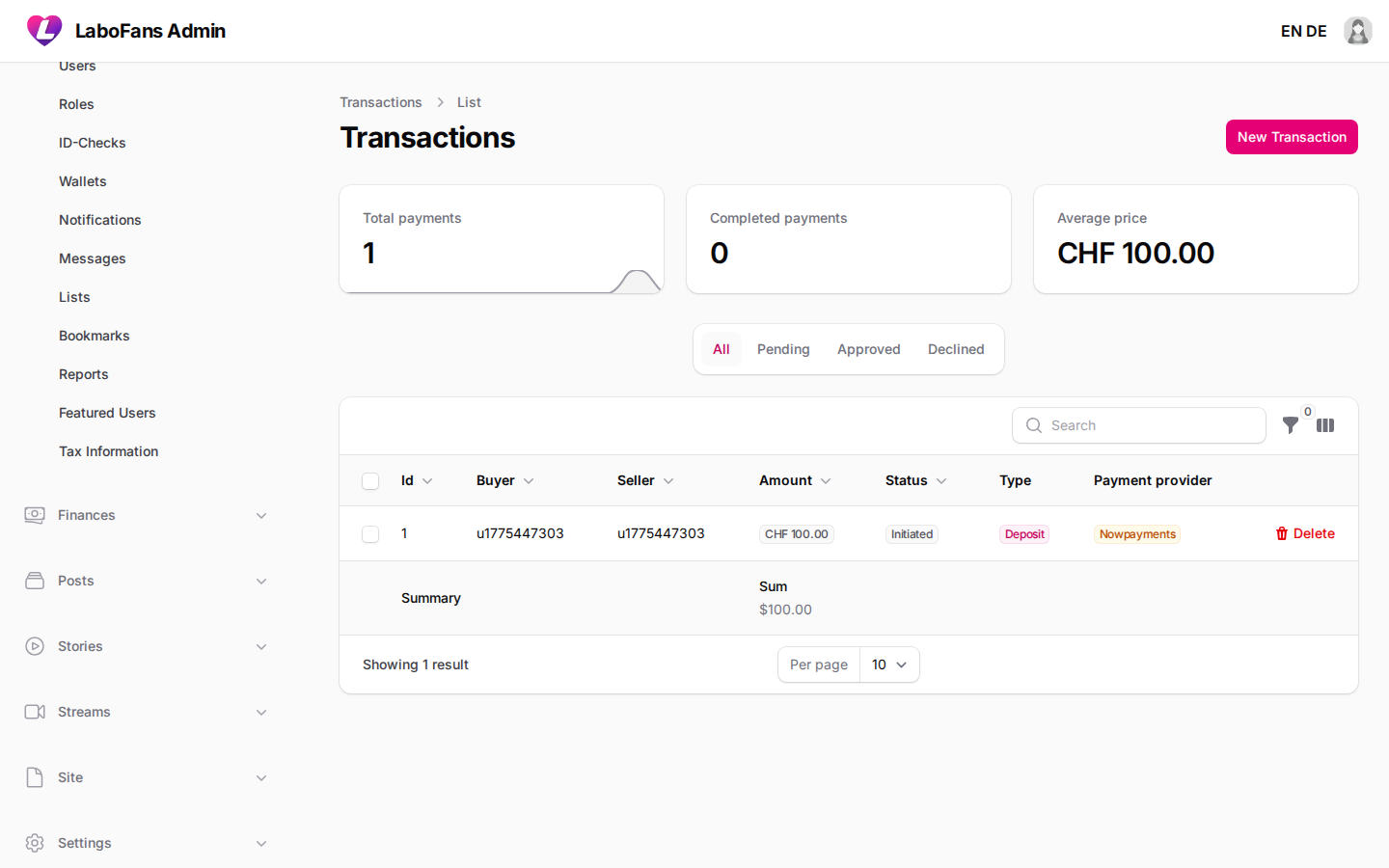
/admin/transactions
Complete log of all payments: tips, subscriptions, unlocks, deposits, and withdrawals.
- Filter by status (pending, approved, declined) or type
- View buyer, seller, amount, currency, and payment provider
- Open linked subscription, post, or invoice for context
- Use the header stats widget for year-to-date payment overview
Subscriptions
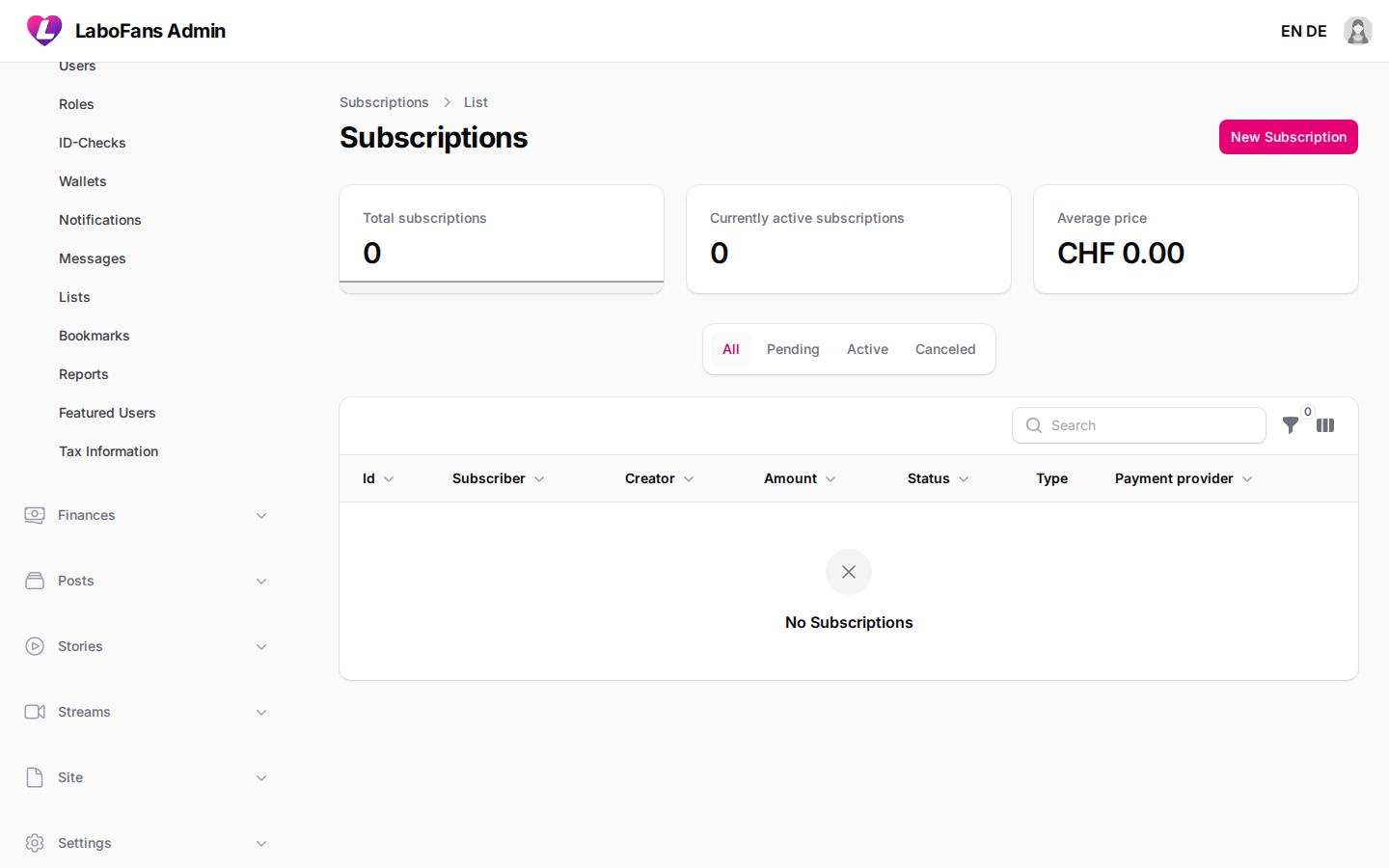
/admin/subscriptions
Manage fan-to-creator subscription records.
- Filter active, canceled, or pending subscriptions
- View expiry and payment provider IDs
- Open payments sub-page for billing history
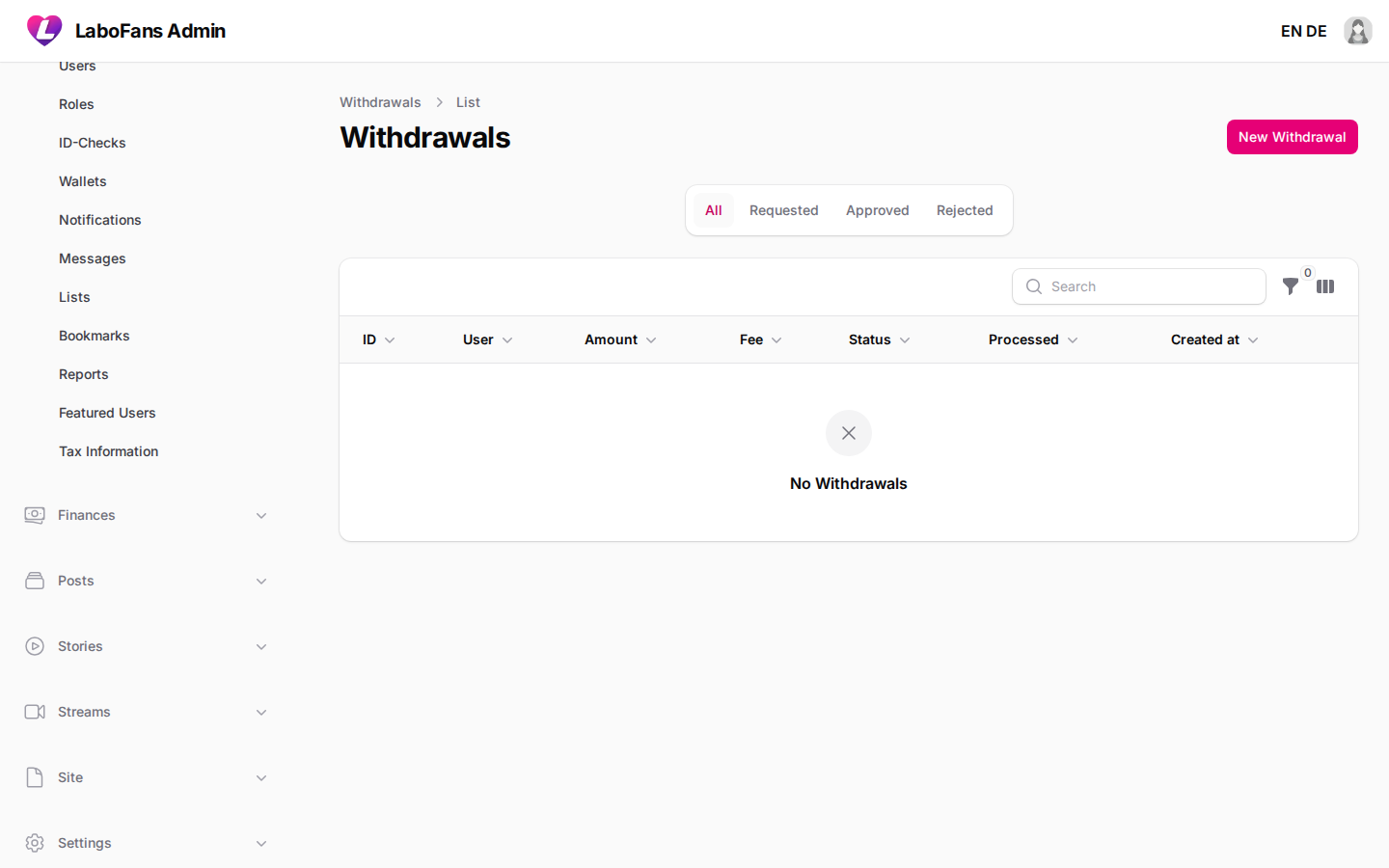
Withdrawals
/admin/withdrawals
Process creator payout requests.
- Open the Requested tab (badge shows pending count)
- Verify creator identity and earnings
- Approve or reject with a message
- Export bulk data if needed for accounting
- Reject suspicious requests and contact the creator
- Ensure KYC/tax requirements are met before approving large payouts
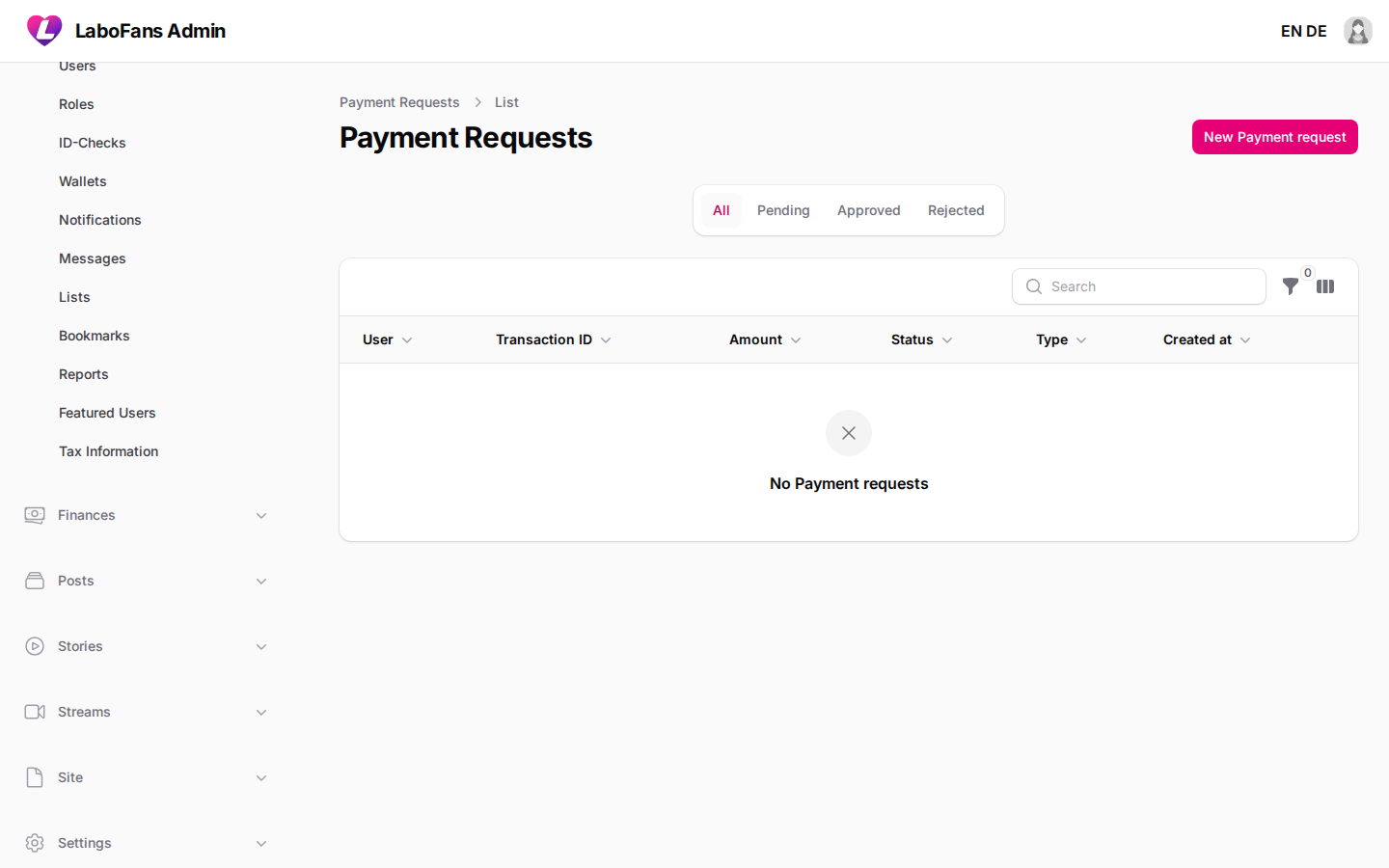
Payment Requests
/admin/payment-requests
Review manual/offline deposit requests where users upload proof of payment.
- Check pending requests and attached receipts
- Approve to credit the user wallet or reject with reason
- Badge shows pending manual deposit count
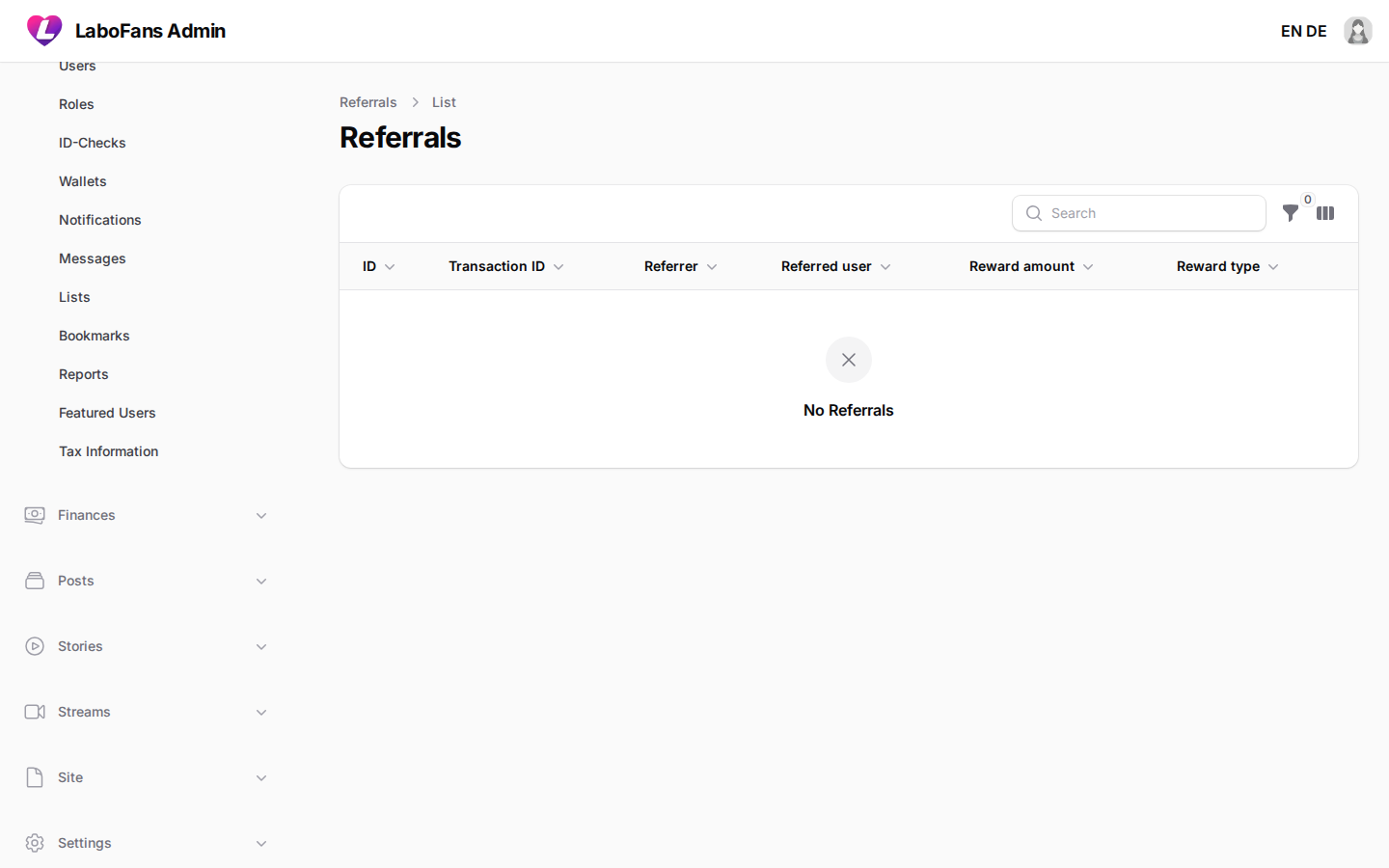
Referrals
/admin/rewards
Track referral rewards paid to users who invited new members.
- View referrer, referred user, amount, and linked transaction
- Configure referral percentage in Settings → Payments
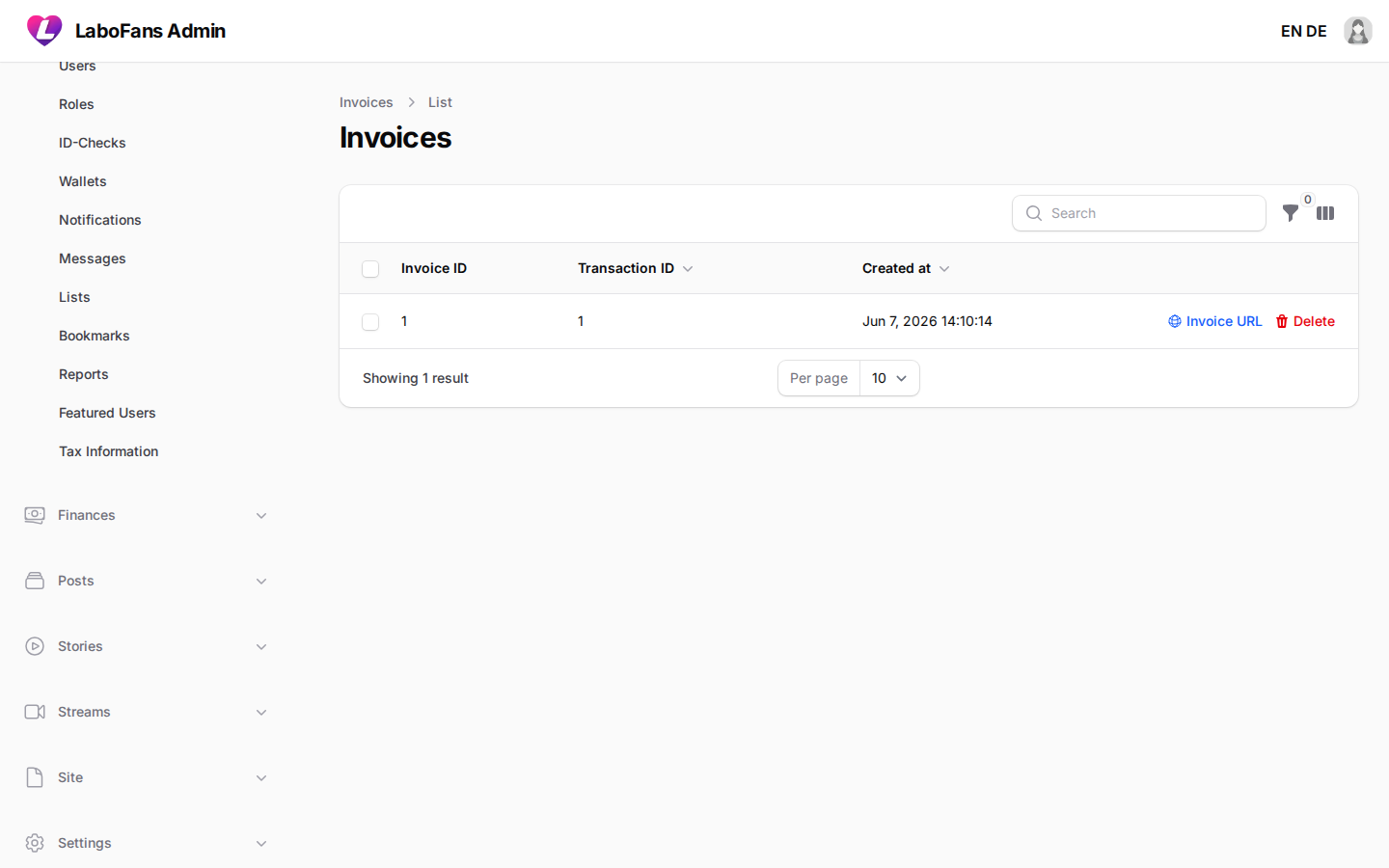
Invoices
/admin/invoices
View generated invoice records for transactions.
- Open invoice URL action to view/download the invoice PDF/page
- Configure invoice company details in Settings → Payments
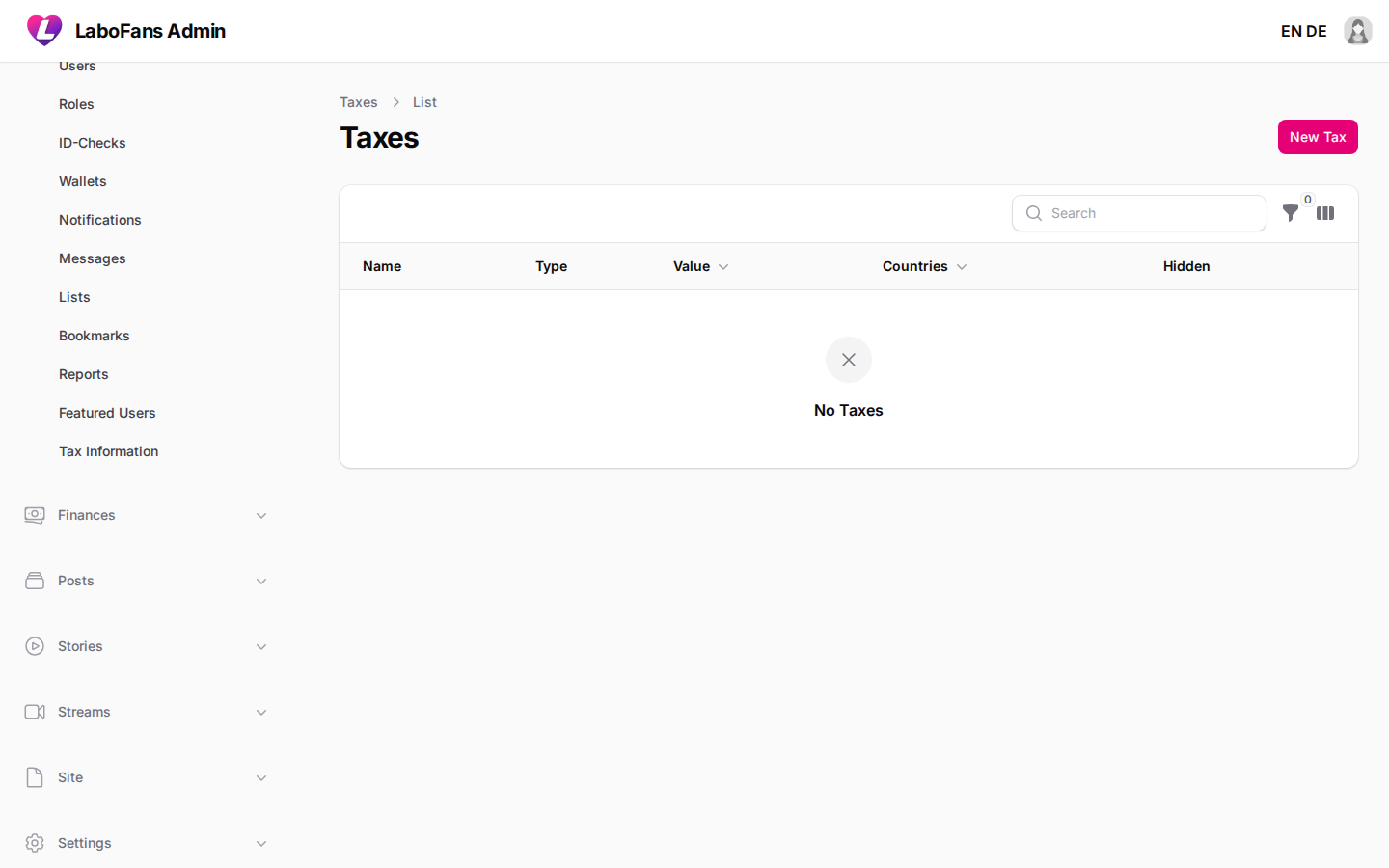
Taxes
/admin/taxes
Define platform tax/fee rules applied to transactions by country.
- Create tax rules: fixed, exclusive, or inclusive
- Set percentage or value and applicable countries
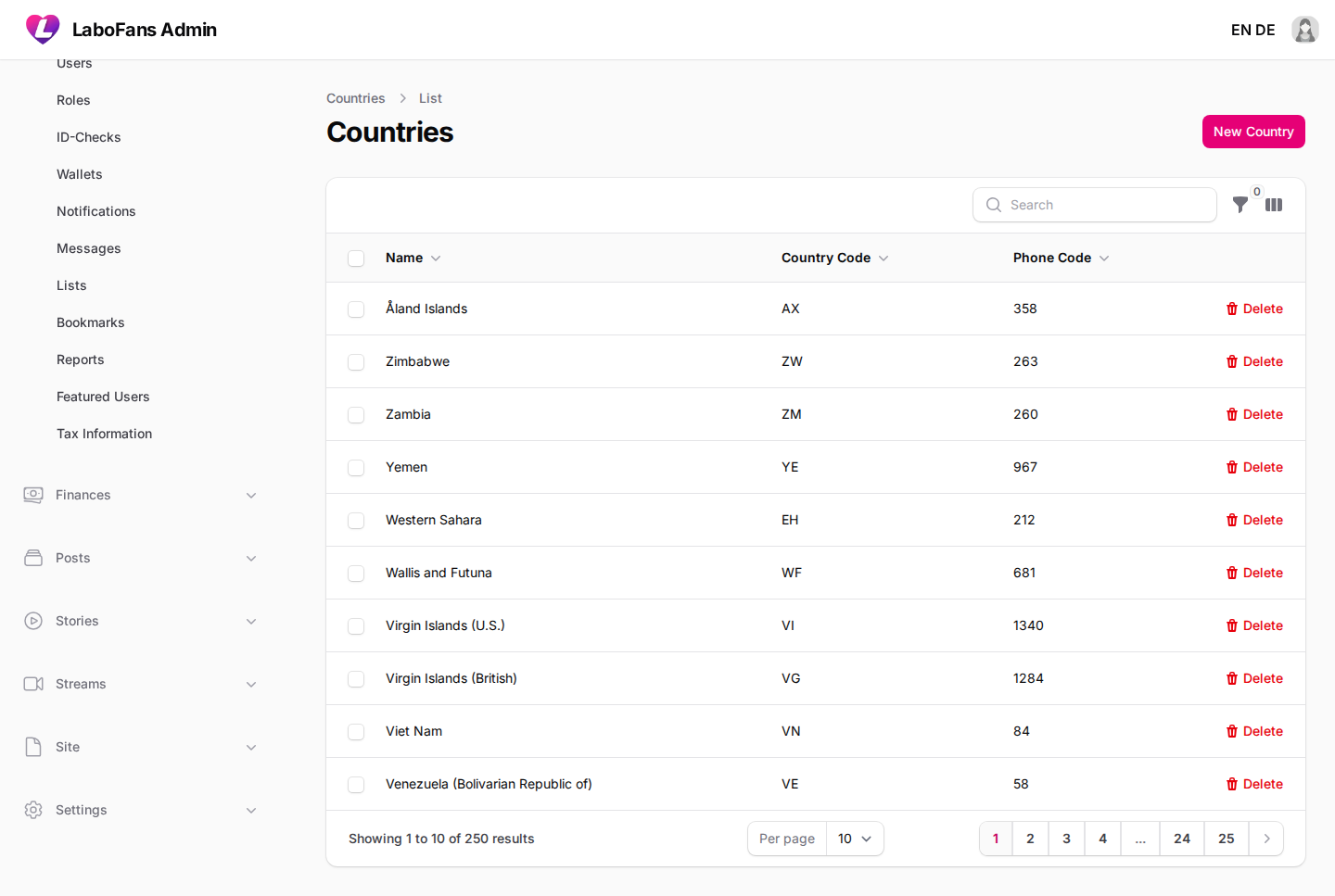
Countries
/admin/countries
Maintain the country list used across registration, taxes, and geo features.
- Add or edit country name, code, and phone prefix
Posts
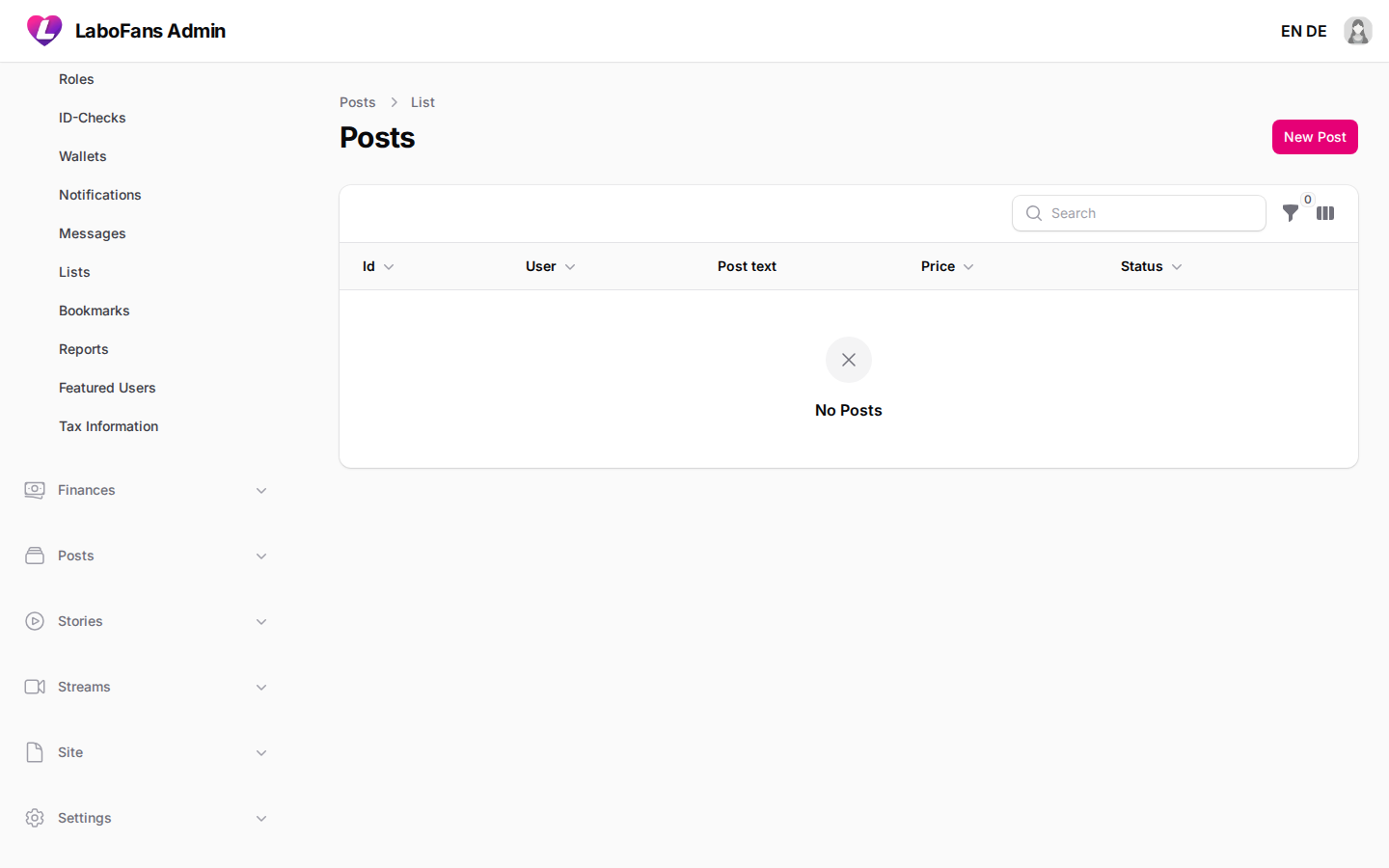
Posts
/admin/posts
Moderate and manage all feed posts.
- Filter by status: pending approval, approved, or rejected
- Edit post text, price, or schedule
- Open comments, attachments, or payments sub-pages
- Delete violating content
- If post approval is enabled in Compliance settings, new posts appear as Pending first
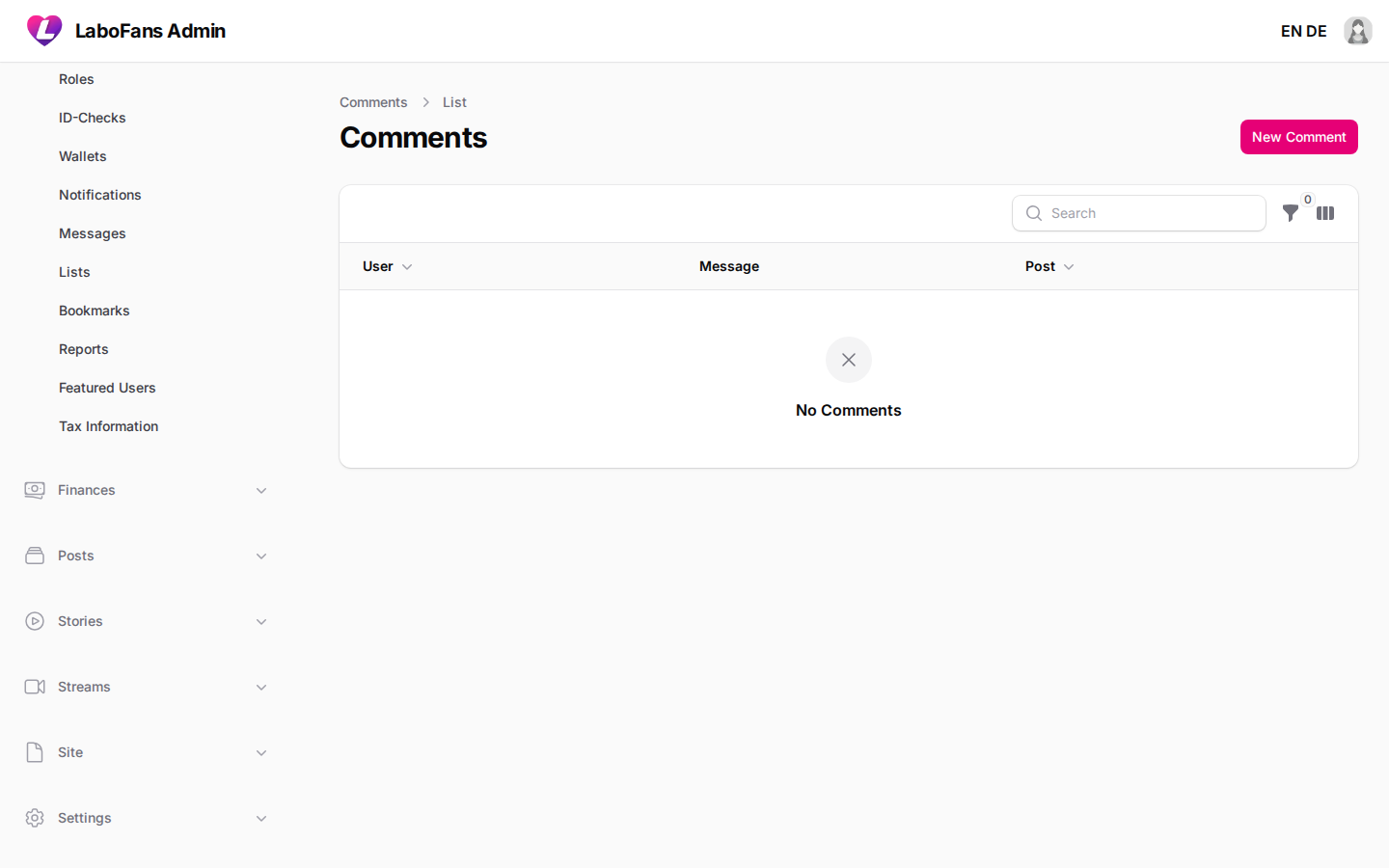
Comments
/admin/post-comments
Moderate comments on posts.
- Search by user or post
- Delete spam or abusive comments
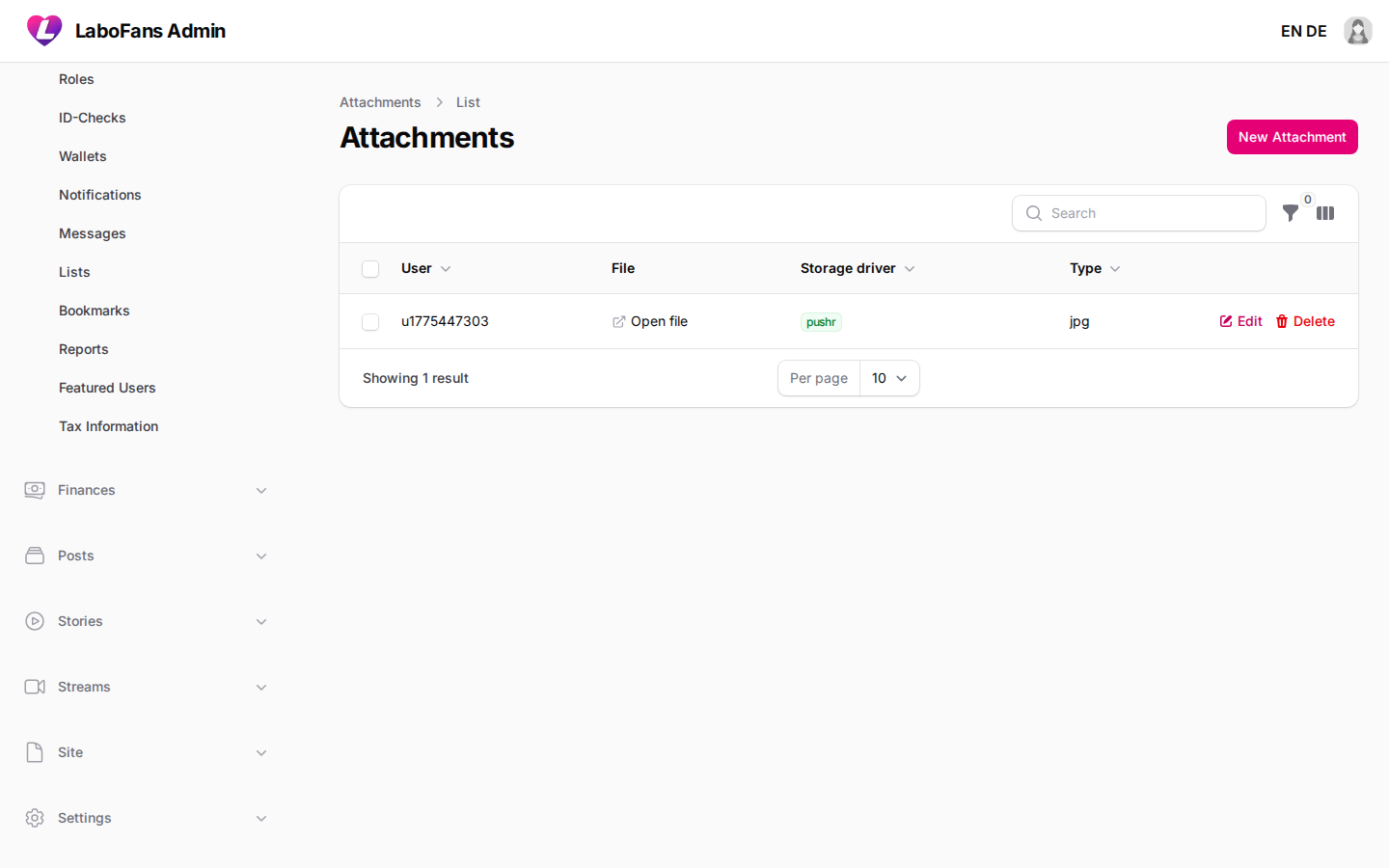
Attachments
/admin/attachments
View all uploaded media files across posts, messages, stories, and payments.
- Filter by type, user, or linked content
- Check storage driver and processing status
- Useful when debugging missing images or videos
Polls
/admin/polls
Manage polls attached to posts.
- View poll end date and linked post
- Open choices and user responses sub-pages
Reactions
/admin/reactions
View likes/reactions on posts and comments.
- Filter by user, post, or comment
Hashtags
/admin/hashtags
Manage the hashtag registry and see linked content.
- Add or remove hashtags
- Open links sub-page to see posts/comments using a tag
Stories
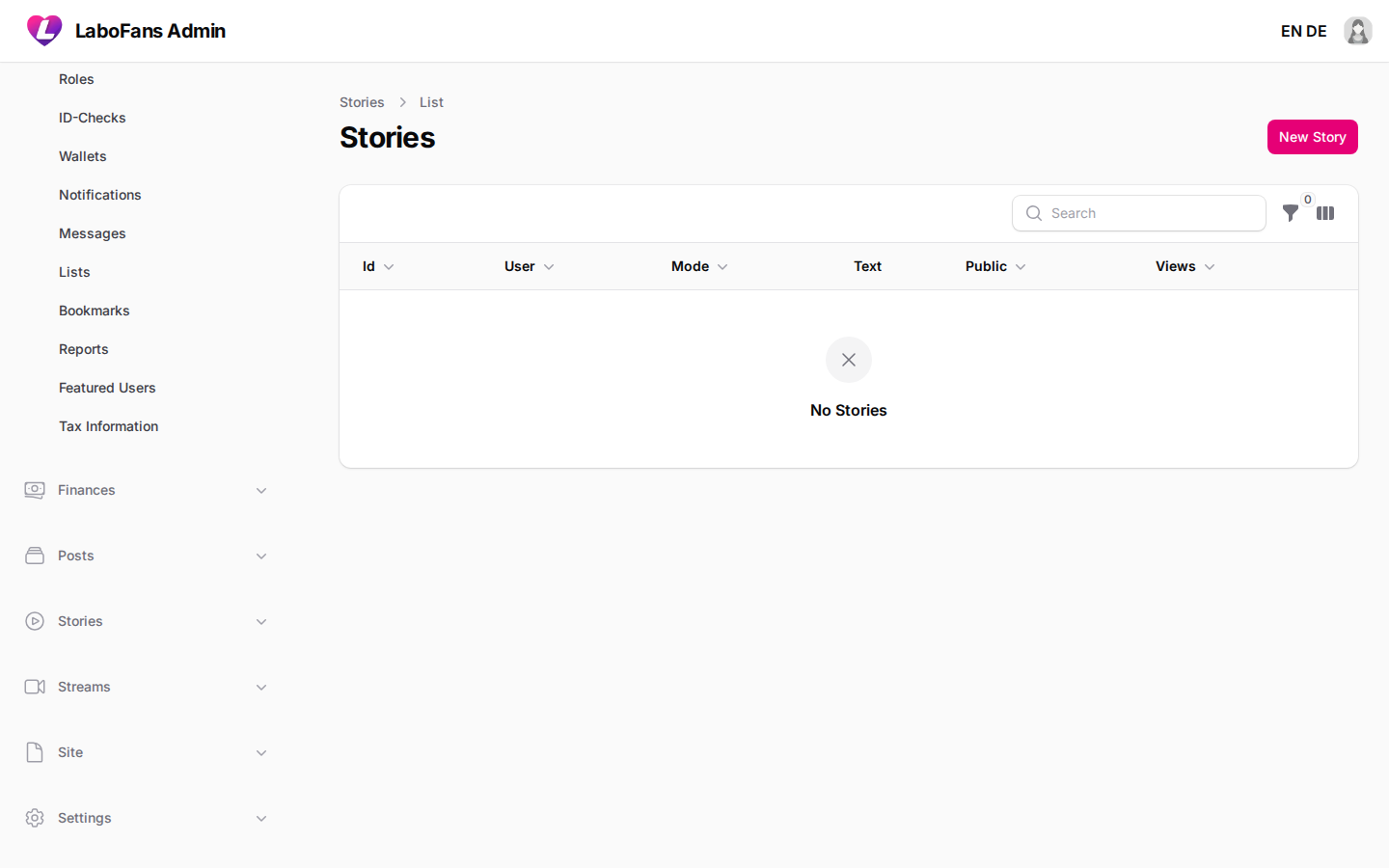
Stories
/admin/stories
Manage ephemeral story content.
- View story type (media/text), expiry, views, and highlights
- Open attachments or view in the app
- Delete violating stories
Sounds
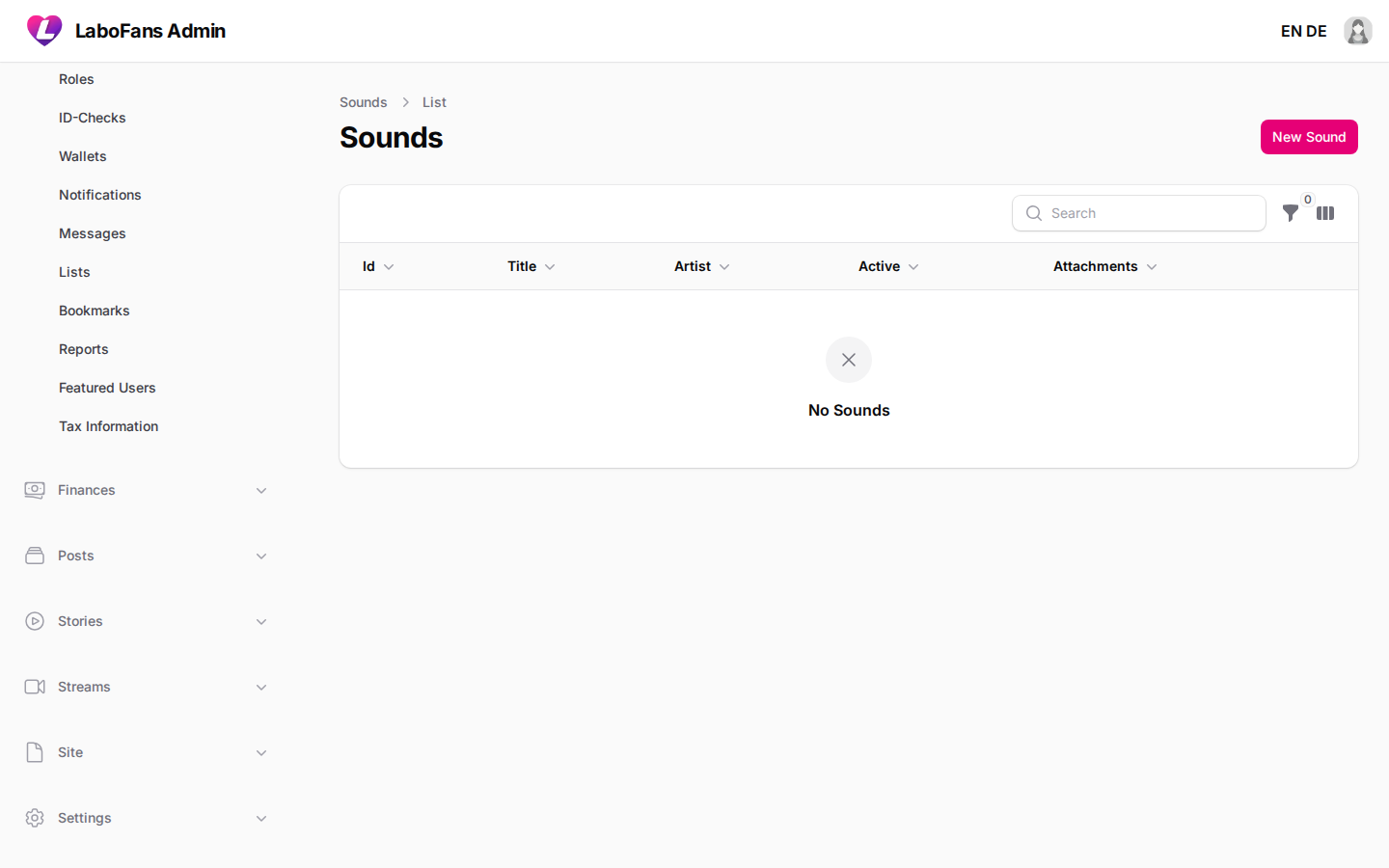
/admin/sounds
Manage the sound library used in stories.
- Upload audio files with title and artist
- Toggle active/inactive
- Set cover art
Streams
Streams
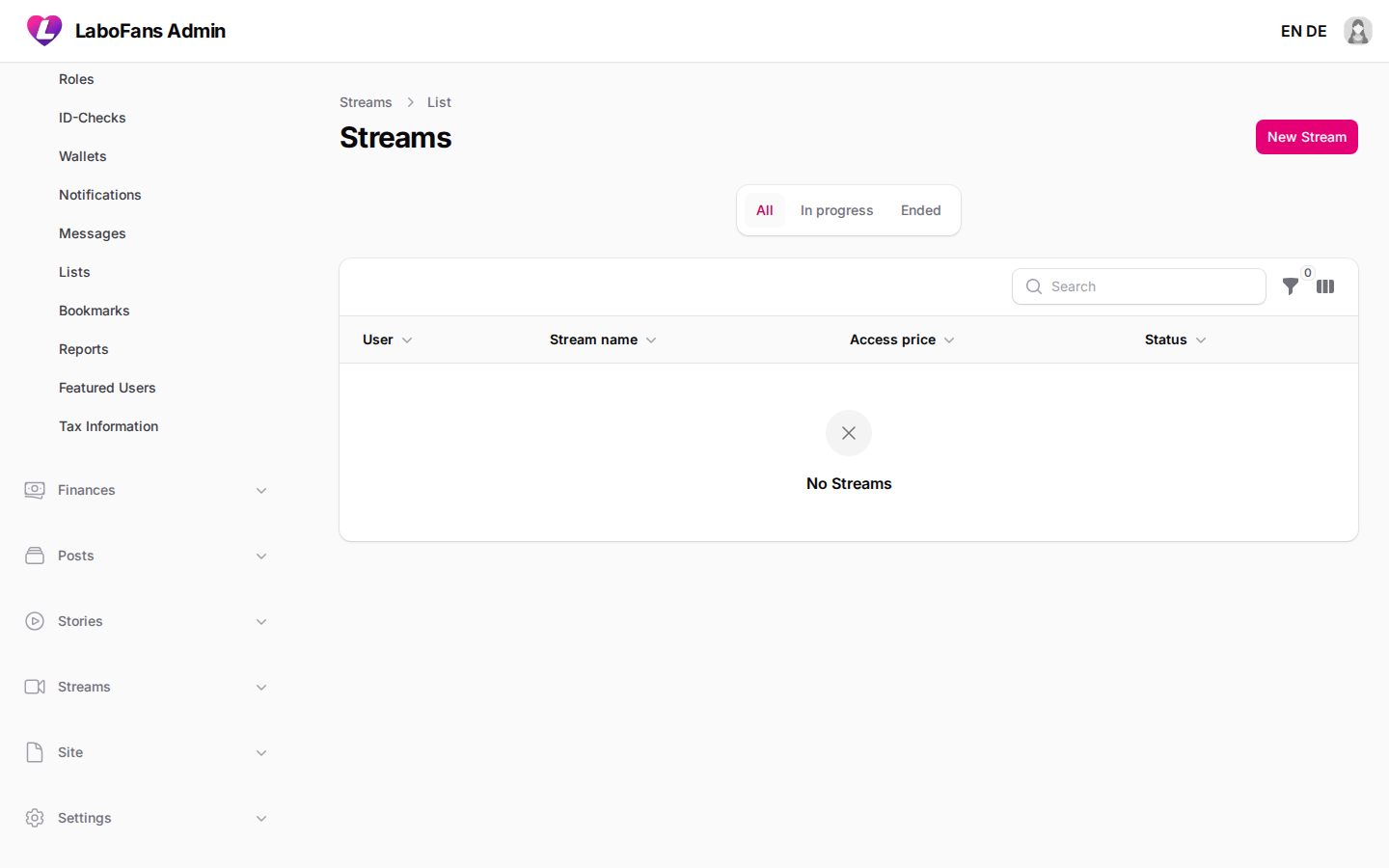
/admin/streams
Manage live stream sessions and RTMP/HLS configuration per stream.
- View stream status (in progress, ended)
- Check price, subscription requirement, and streaming driver
- Open creator profile from actions
- Streaming driver and API keys are configured in Settings → Streams
Stream Messages
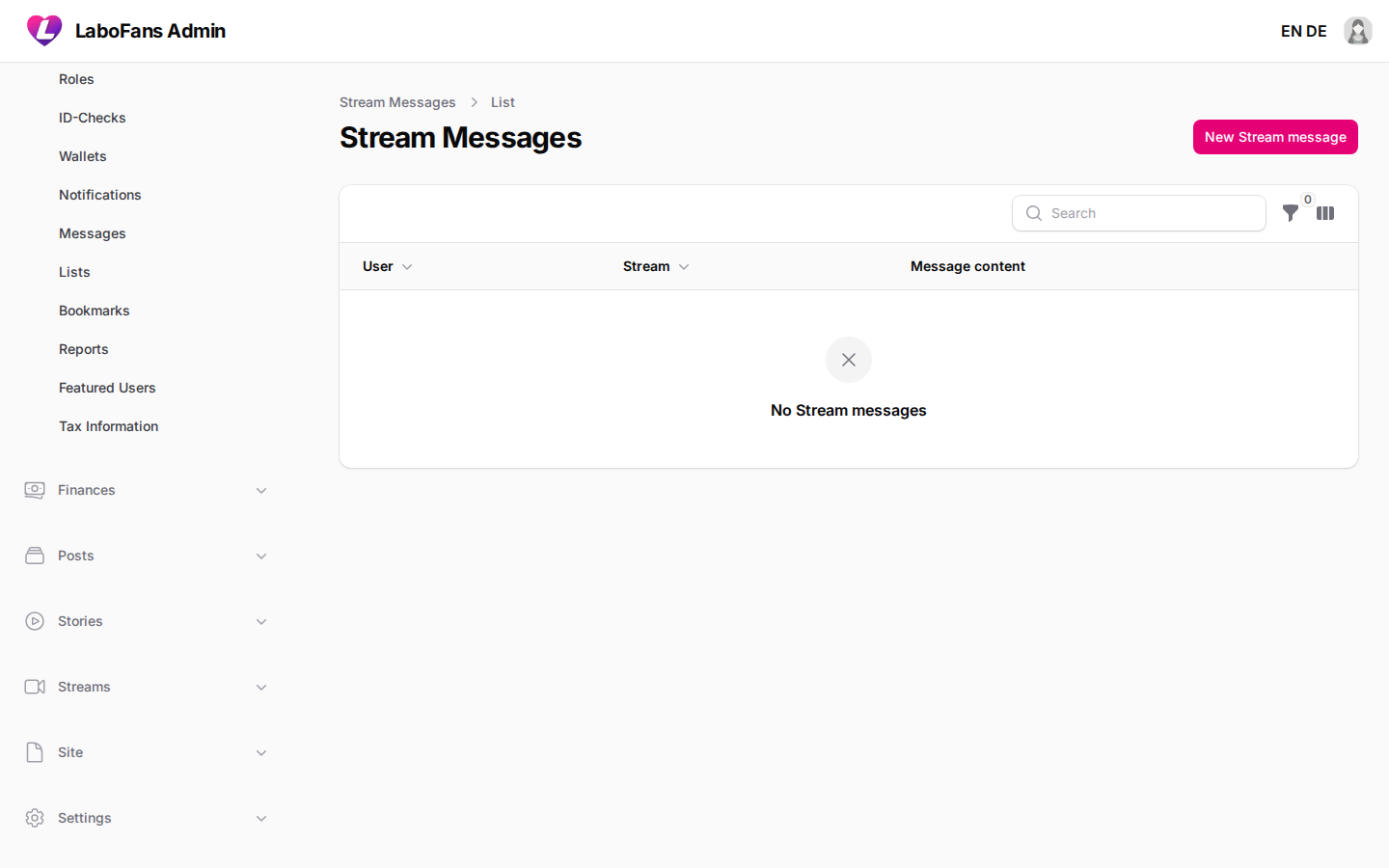
/admin/stream-messages
Moderate live chat messages during streams.
- Search by stream or user
- Delete abusive chat messages
Site
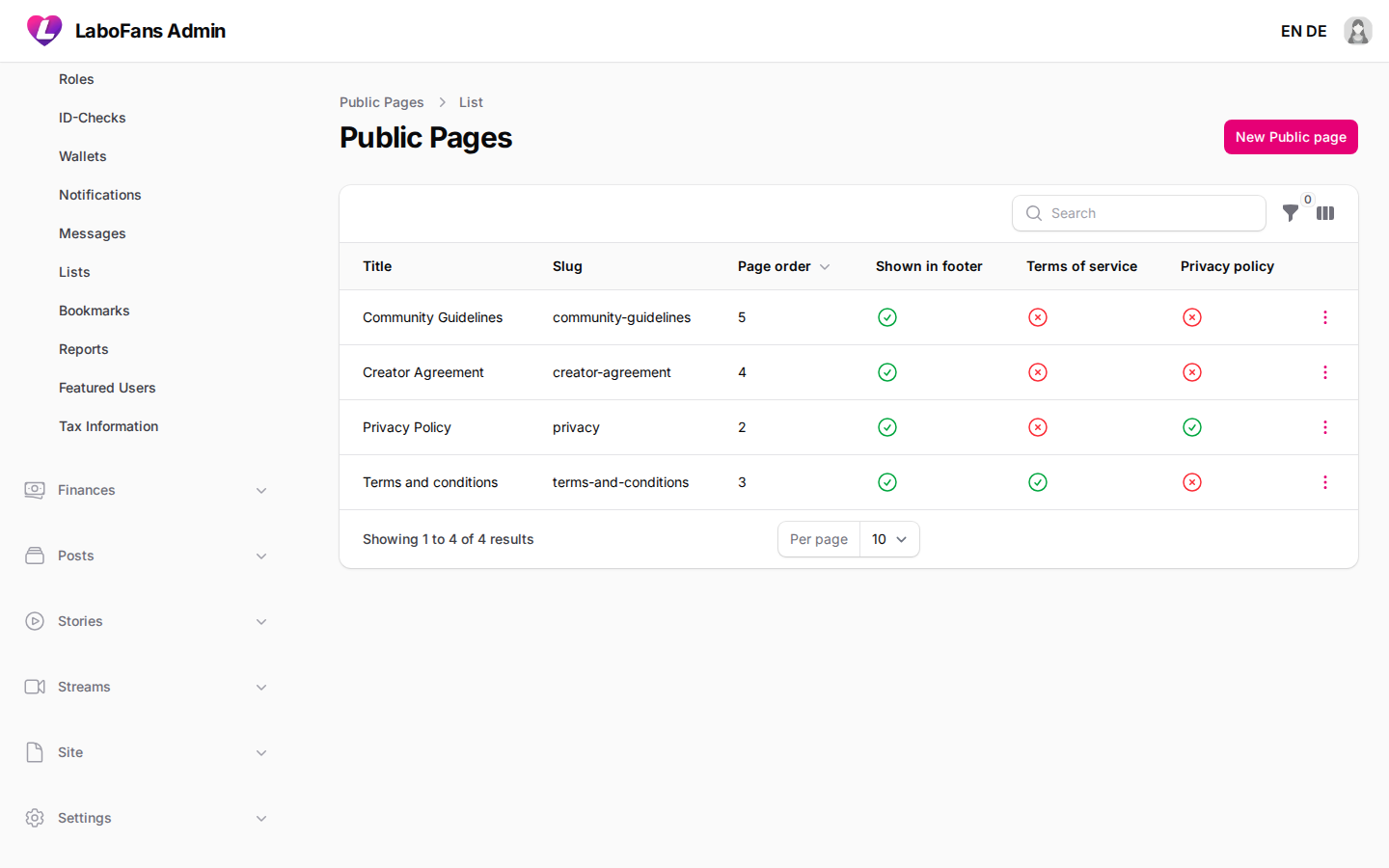
Site Pages
/admin/content/site-pages
Edit legal and static pages: Terms, Privacy Policy, Creator Agreement, Community Guidelines, etc.
- Edit page title, slug, and rich-text content in EN and DE
- Toggle “shown in footer” and “is TOS / is privacy” flags
- Use “open page URL” to preview on the live site
- Always update both English and German when changing legal text
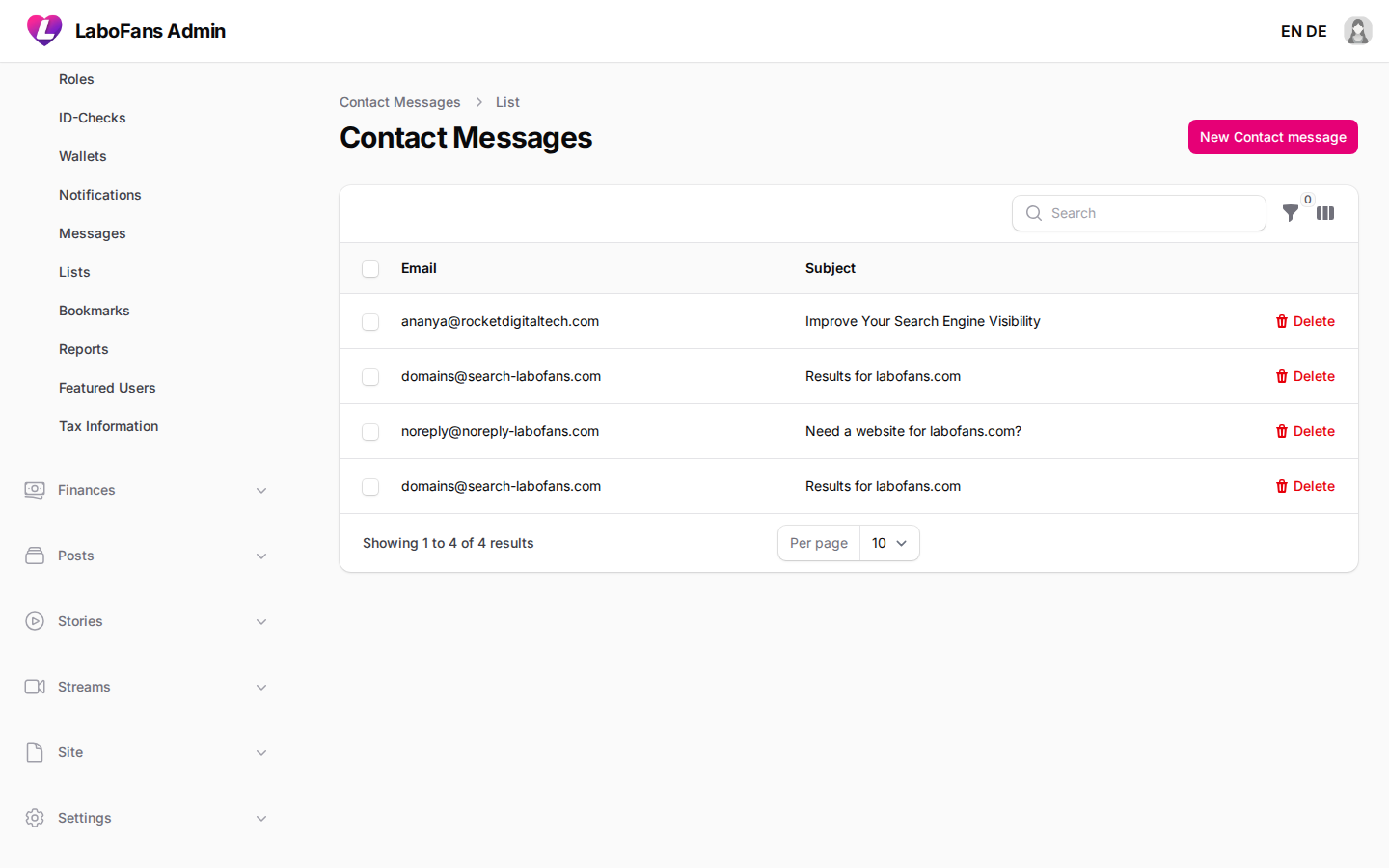
Contact Messages
/admin/contact-messages
Read messages submitted through the site contact form.
- Open each message to read email, subject, and body
- Delete after handling
- Enable admin email notifications in Settings → Admin
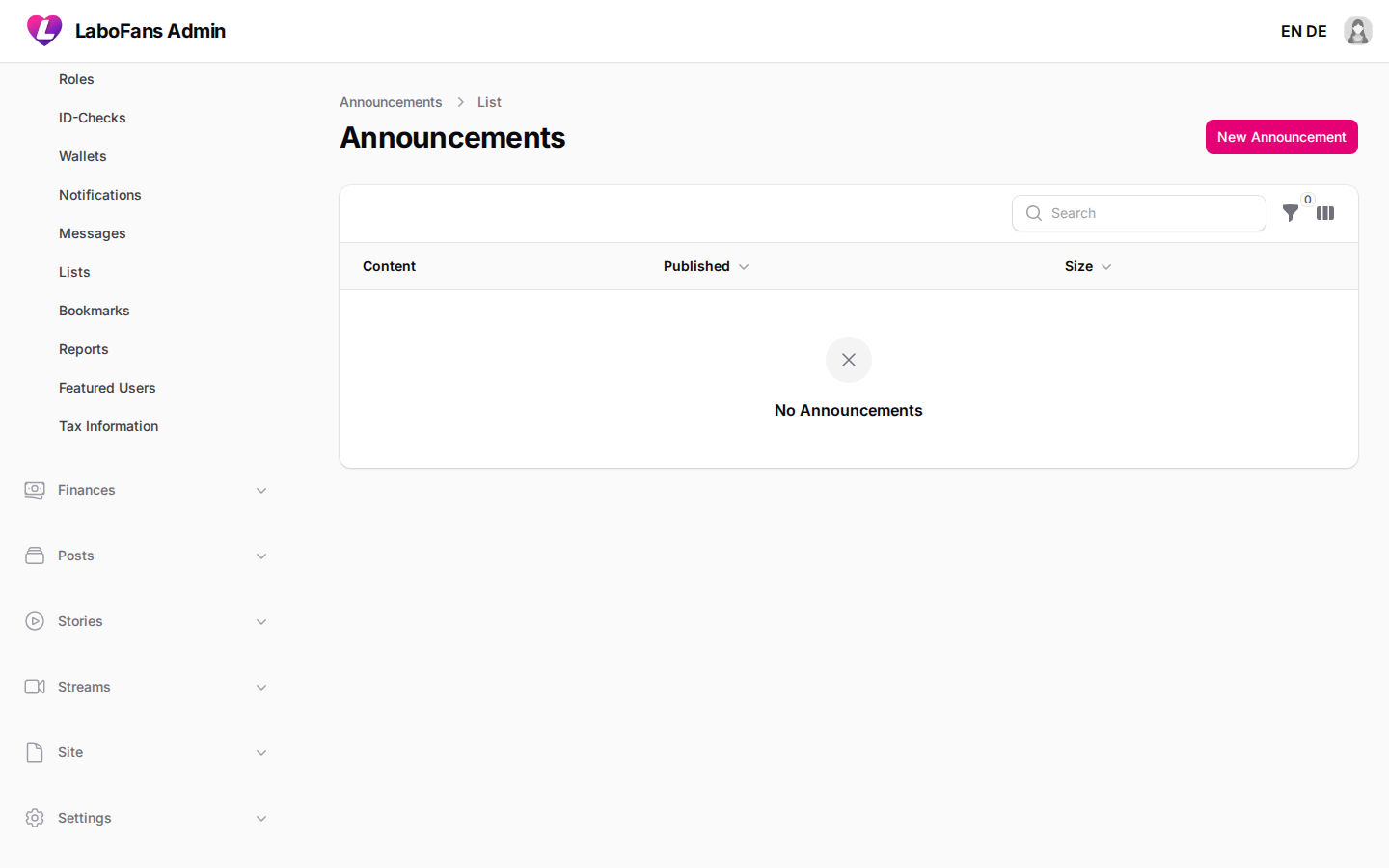
Announcements
/admin/global-announcements
Publish site-wide banners or alerts for all users.
- Create announcement with content and size
- Set expiry date, sticky/dismissible options
- Toggle published when ready to go live
- Use for maintenance notices or important policy updates
Settings
Settings control how the platform behaves. Changes here affect all users. Save each page after editing. Some settings (API keys, passwords) leave blank on save to keep existing values.
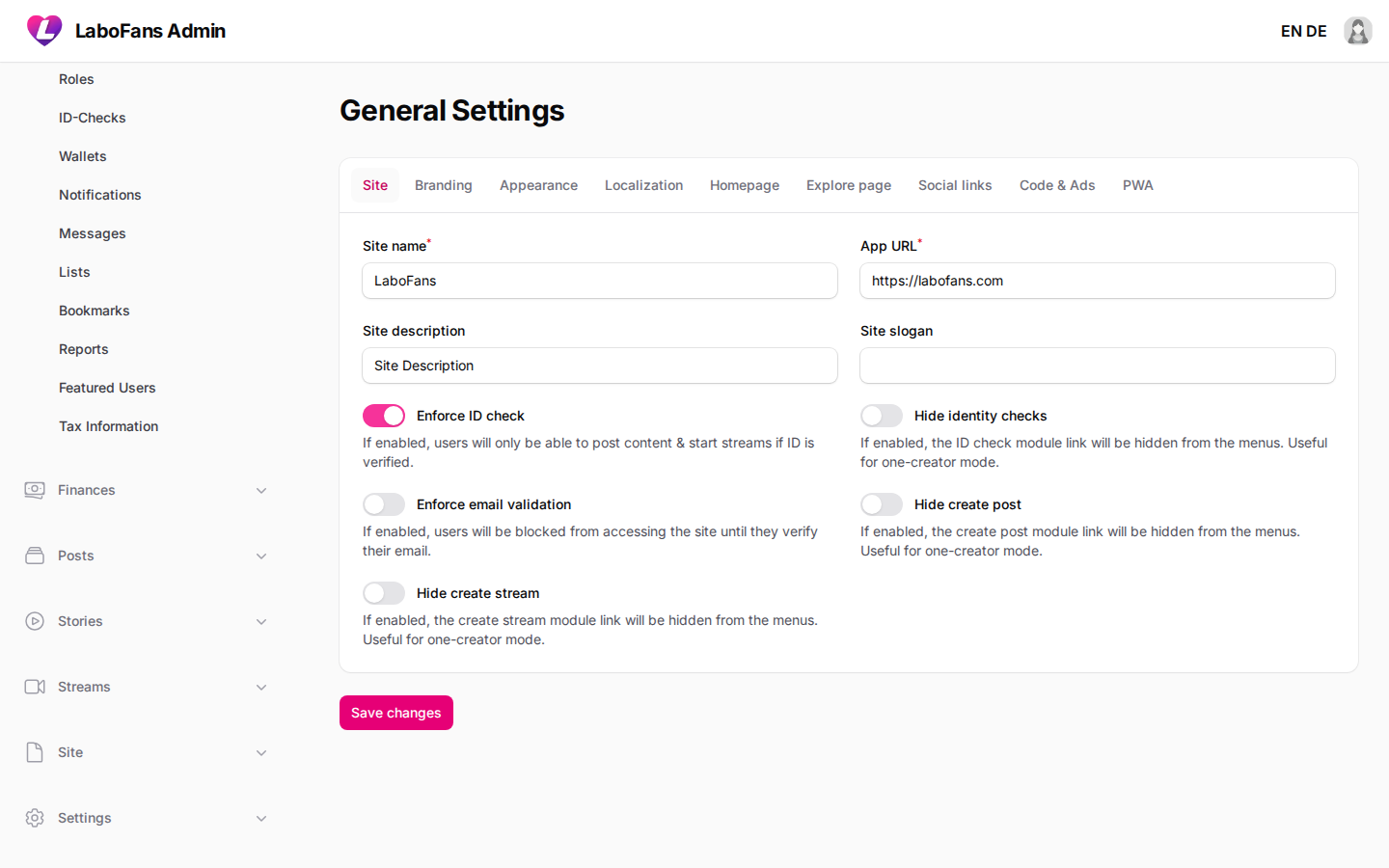
General
/admin/settings/general
Site name, URL, logos, favicon, homepage mode, languages, timezone, social links, PWA, custom CSS/JS.
- Update branding assets and site identity
- Choose landing vs login homepage
- Configure default language and explore page behavior
- Changing logos regenerates PWA assets automatically
Users
/admin/settings/users
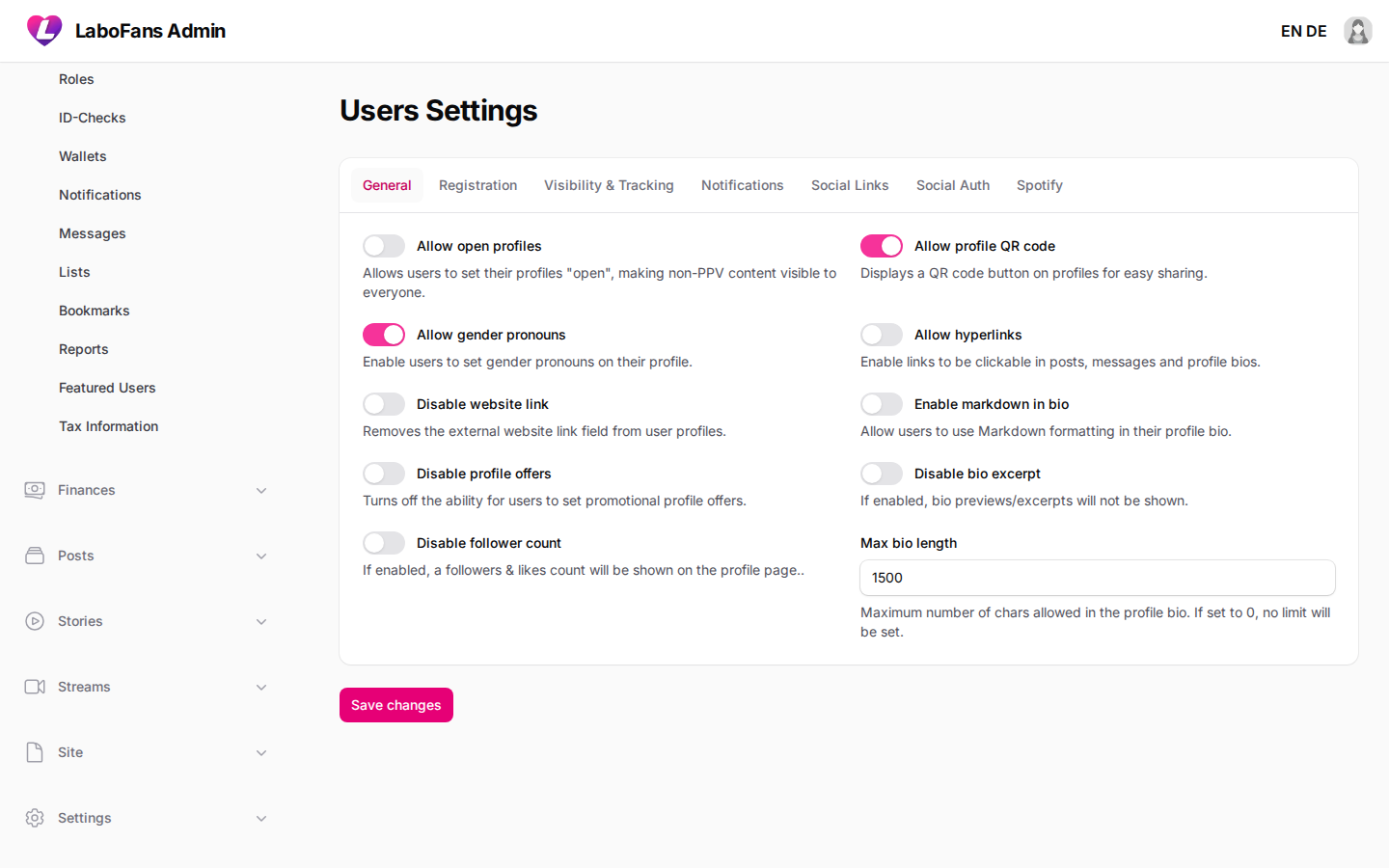
Profile fields, registration defaults, online status, notifications, social login (Google/Facebook/Twitter).
- Enable/disable profile features like pronouns, website links, markdown bio
- Set default profile privacy and initial wallet balance
- Configure OAuth app keys for social sign-up
Feed
/admin/settings/feed
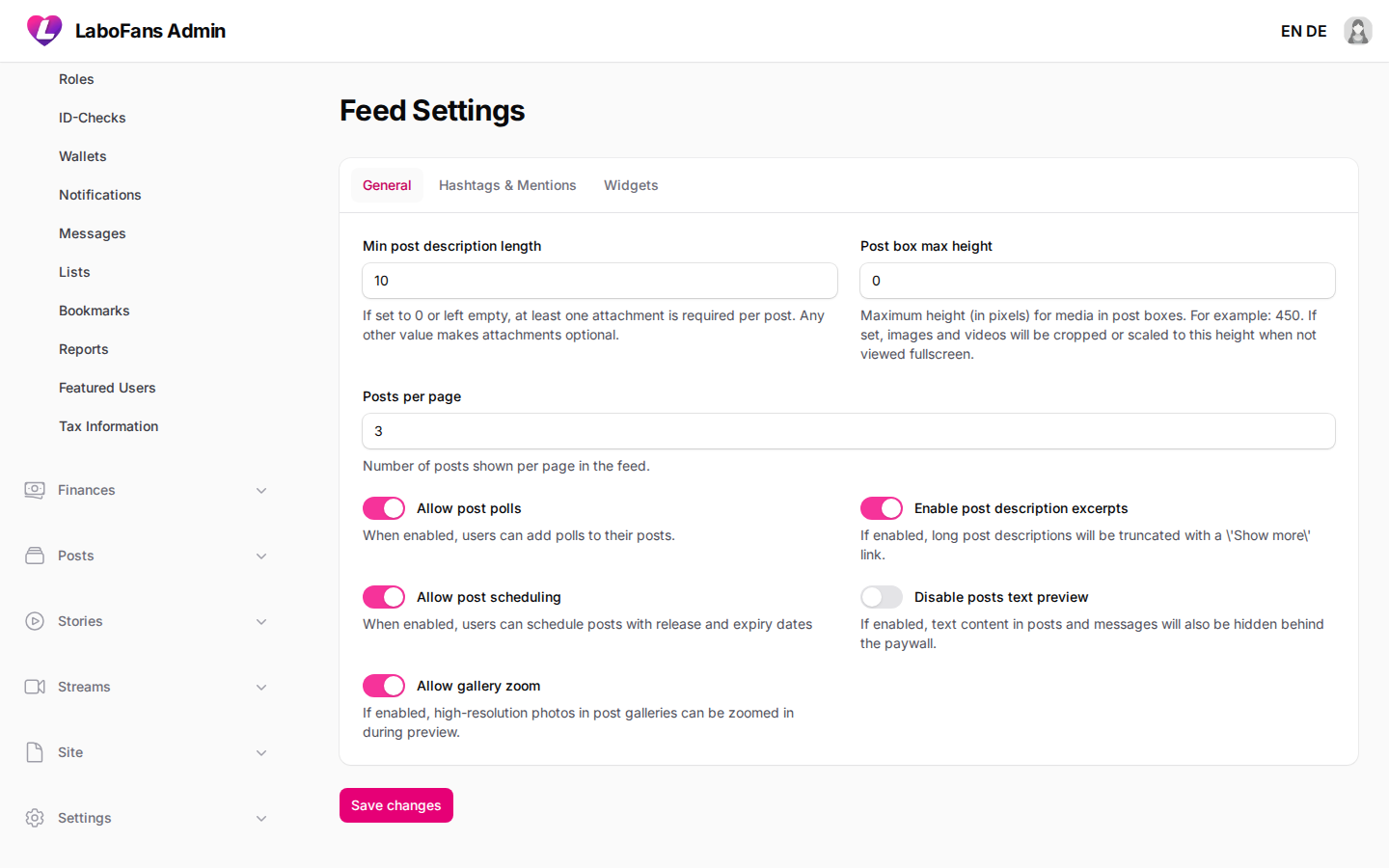
Post feed behavior, hashtags, mentions, and homepage widgets.
- Set posts per page, poll options, scheduling
- Configure suggestion sliders and search widgets
Stories
/admin/settings/stories
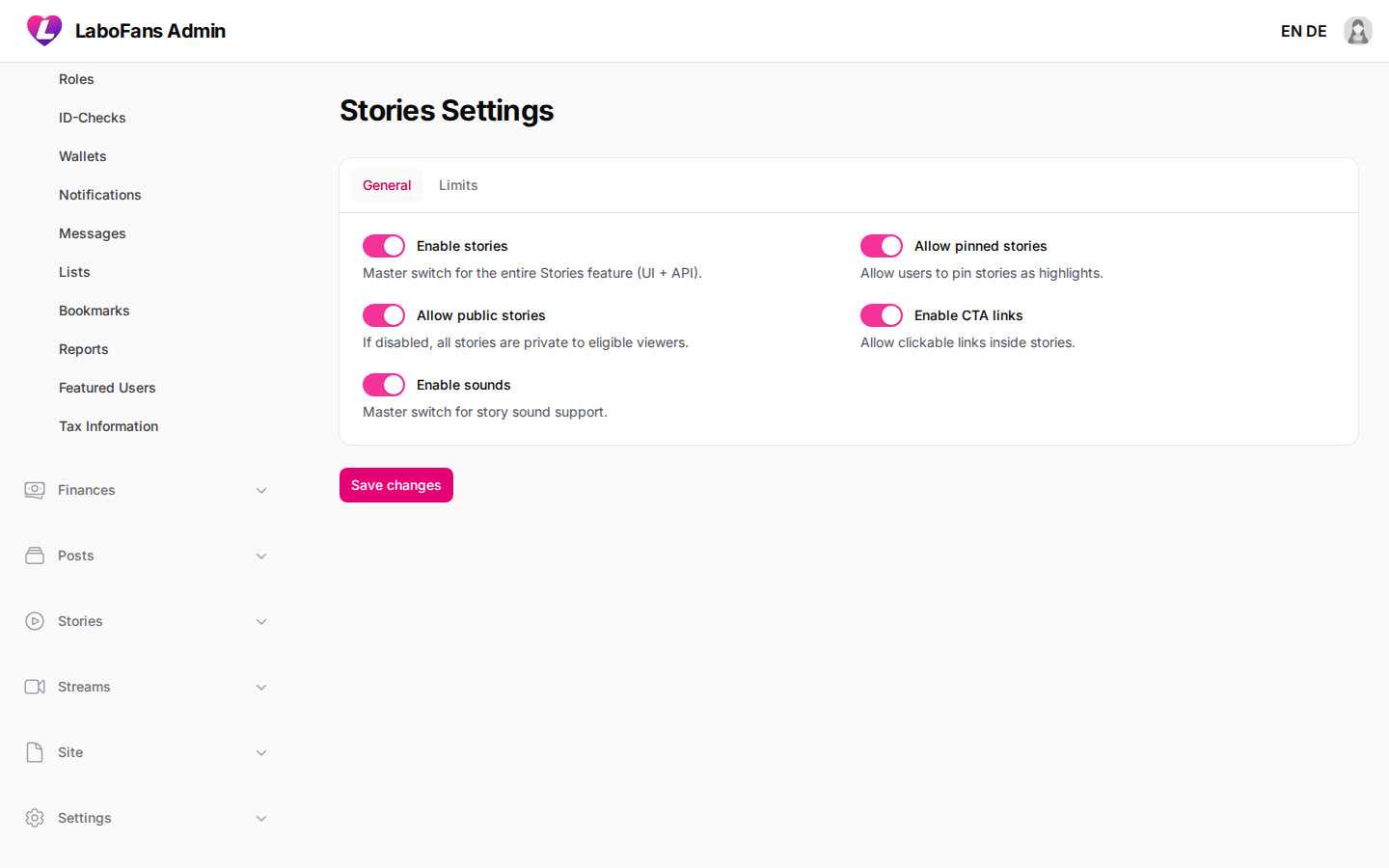
Enable/disable stories, highlights, sounds, and length limits.
- Toggle stories on or off
- Set max video length and stories per user
Streams
/admin/settings/streams
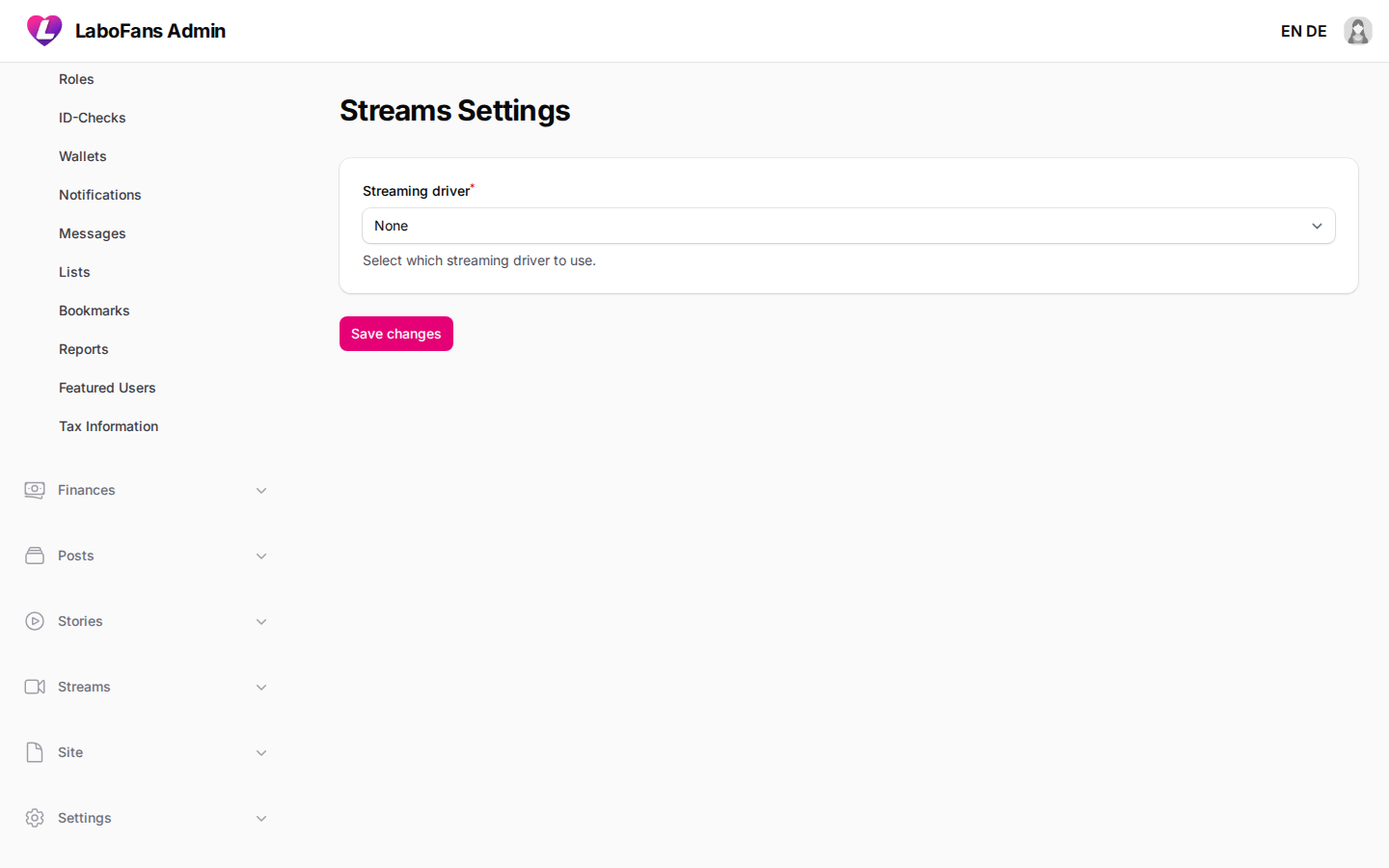
Live streaming provider (Pushr CDN or LiveKit) and API credentials.
- Select streaming driver
- Enter API keys and encoder settings
- Test with a creator account before going live
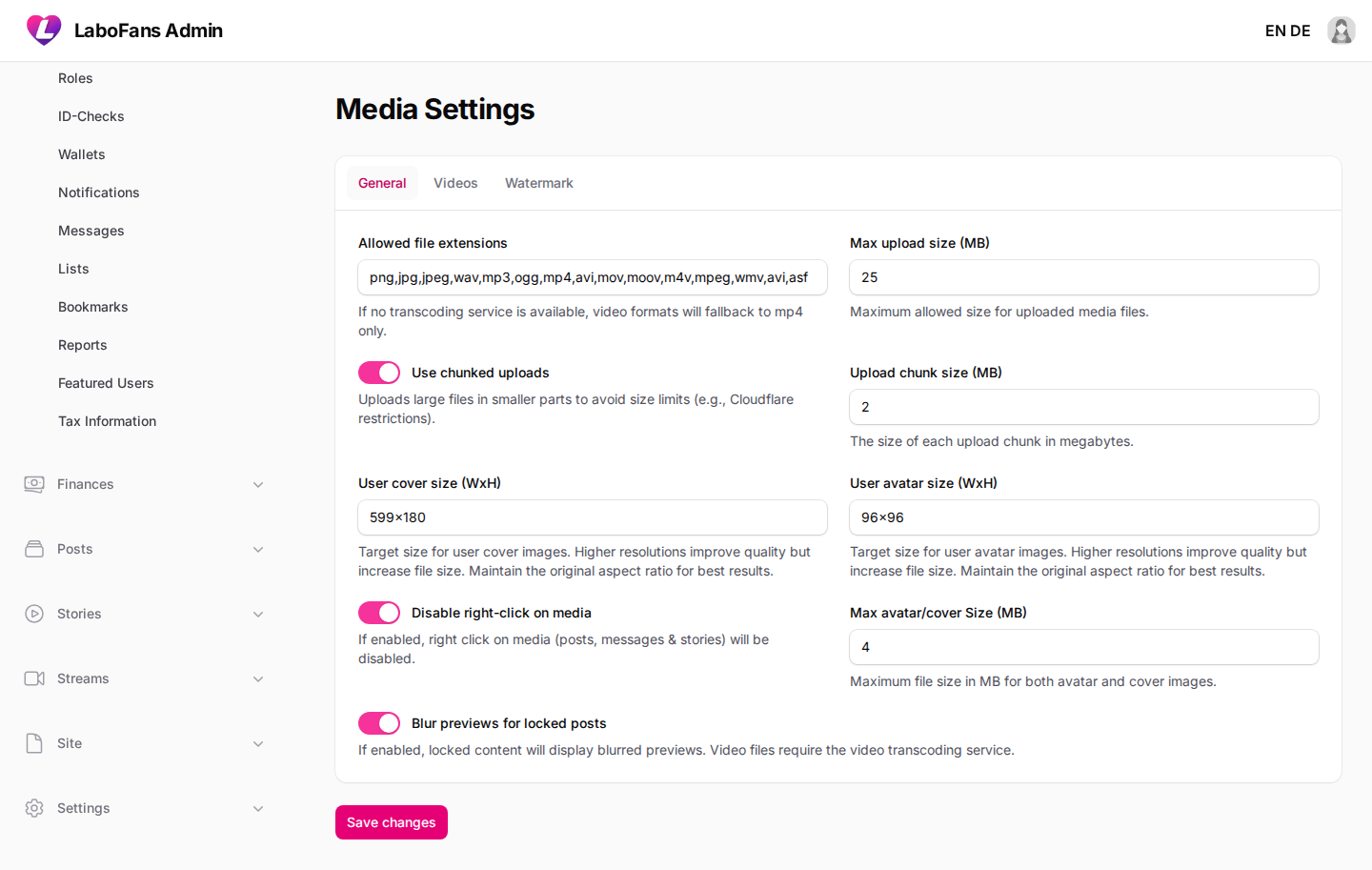
Media
/admin/settings/media
Upload limits, allowed file types, FFmpeg transcoding, watermarks, blurred previews.
- Set max upload size and extensions
- Configure Coconut or FFmpeg for video processing
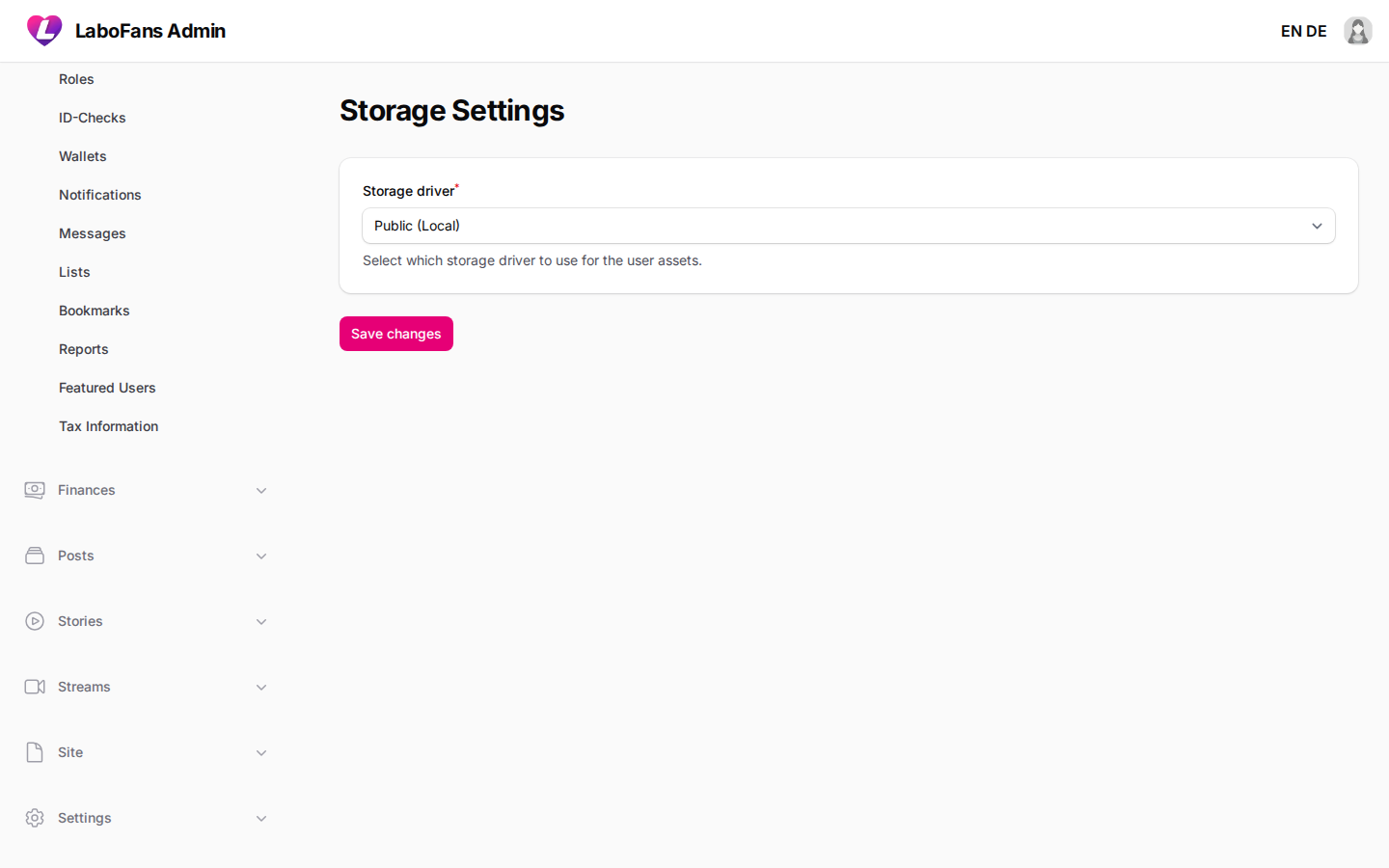
Storage
/admin/settings/storage
Where files are stored: local disk, S3, DigitalOcean Spaces, Cloudflare R2, etc.
- Select storage driver and enter credentials
- Use Test Connection before saving
- Wrong storage config breaks all uploads
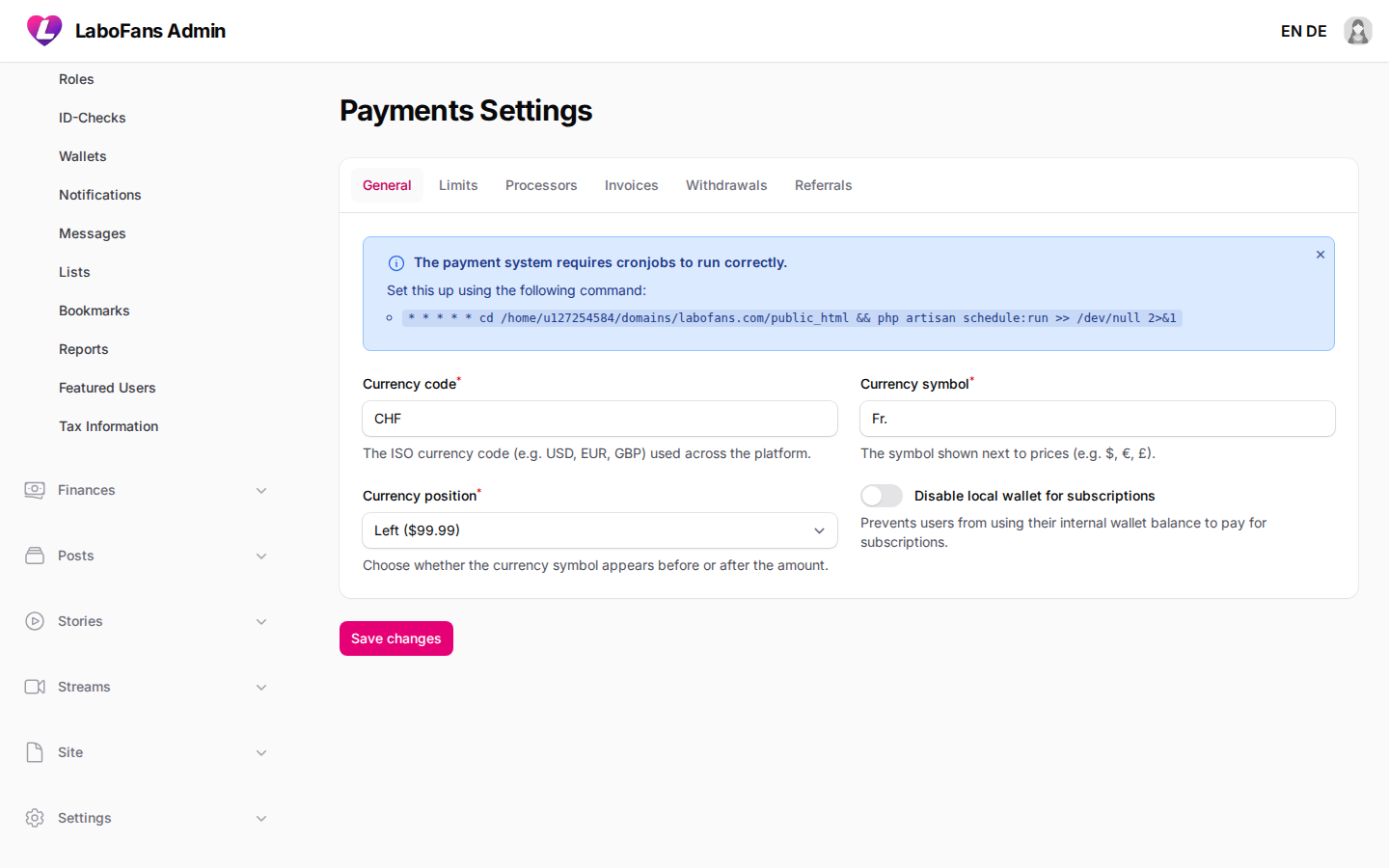
Payments
/admin/settings/payments
Currency, payment processors (Stripe, PayPal, etc.), pricing limits, withdrawals, referrals, invoices.
- Enable payment methods and add API keys
- Set min/max prices for subscriptions, tips, messages
- Configure withdrawal fees and Stripe Connect
- Leave API key fields blank when saving if you only change other settings — blank preserves existing keys
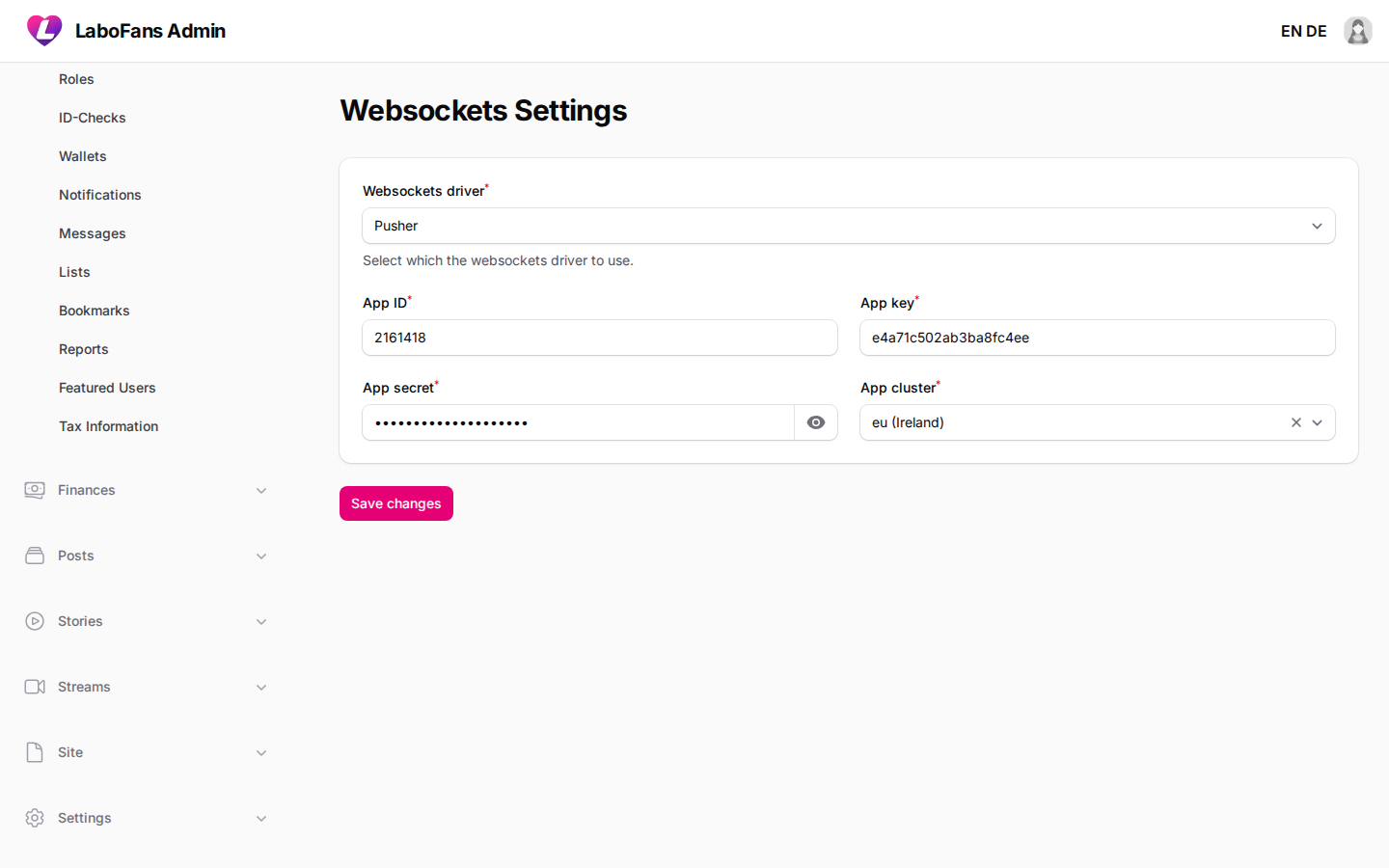
Websockets
/admin/settings/websockets
Real-time notifications and live features (Pusher or Soketi).
- Enter Pusher/Soketi app ID, key, and secret
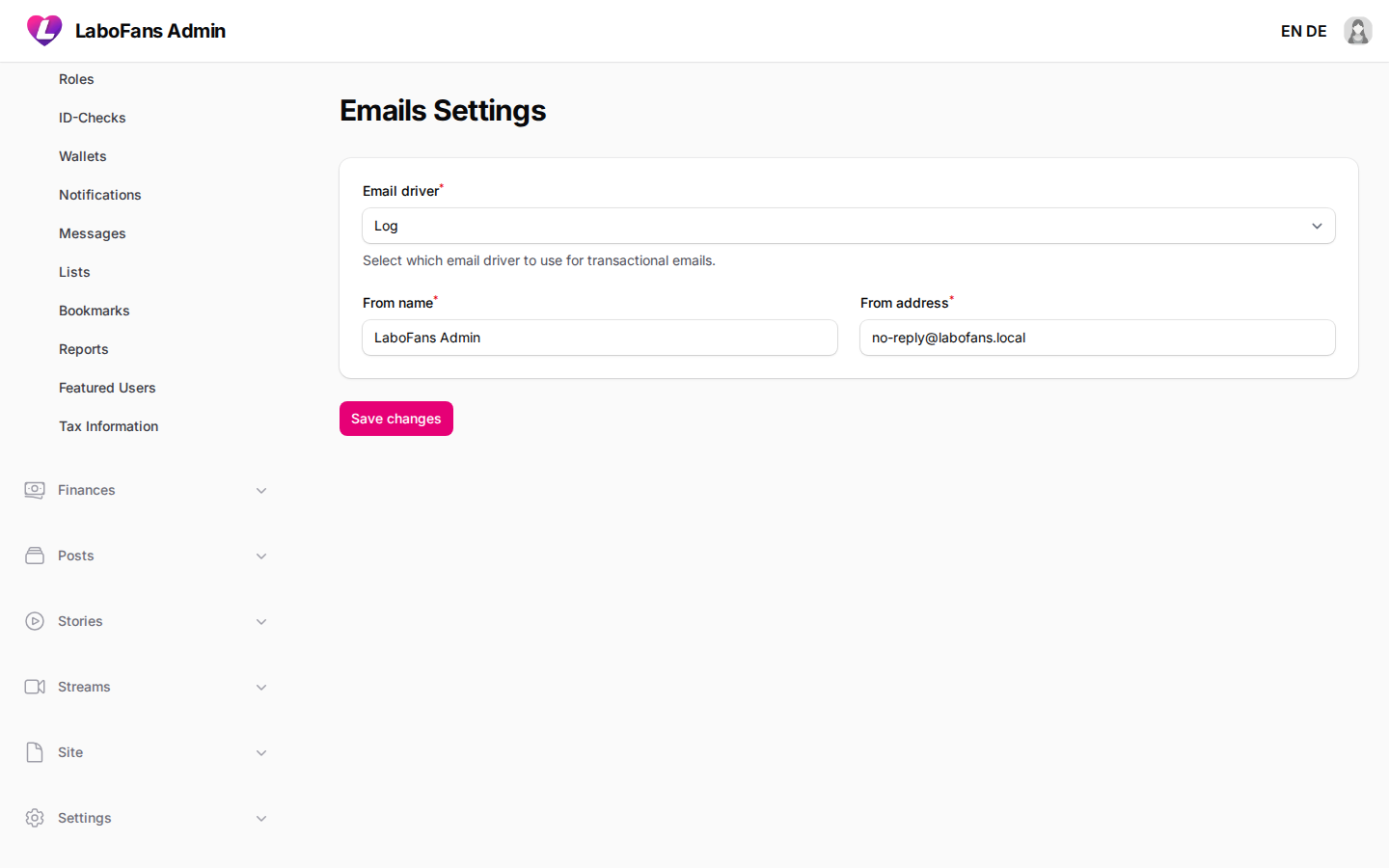
Emails
/admin/settings/emails
How the site sends email: SMTP, Mailgun, etc.
- Configure driver and from-address
- Send a test email to verify delivery
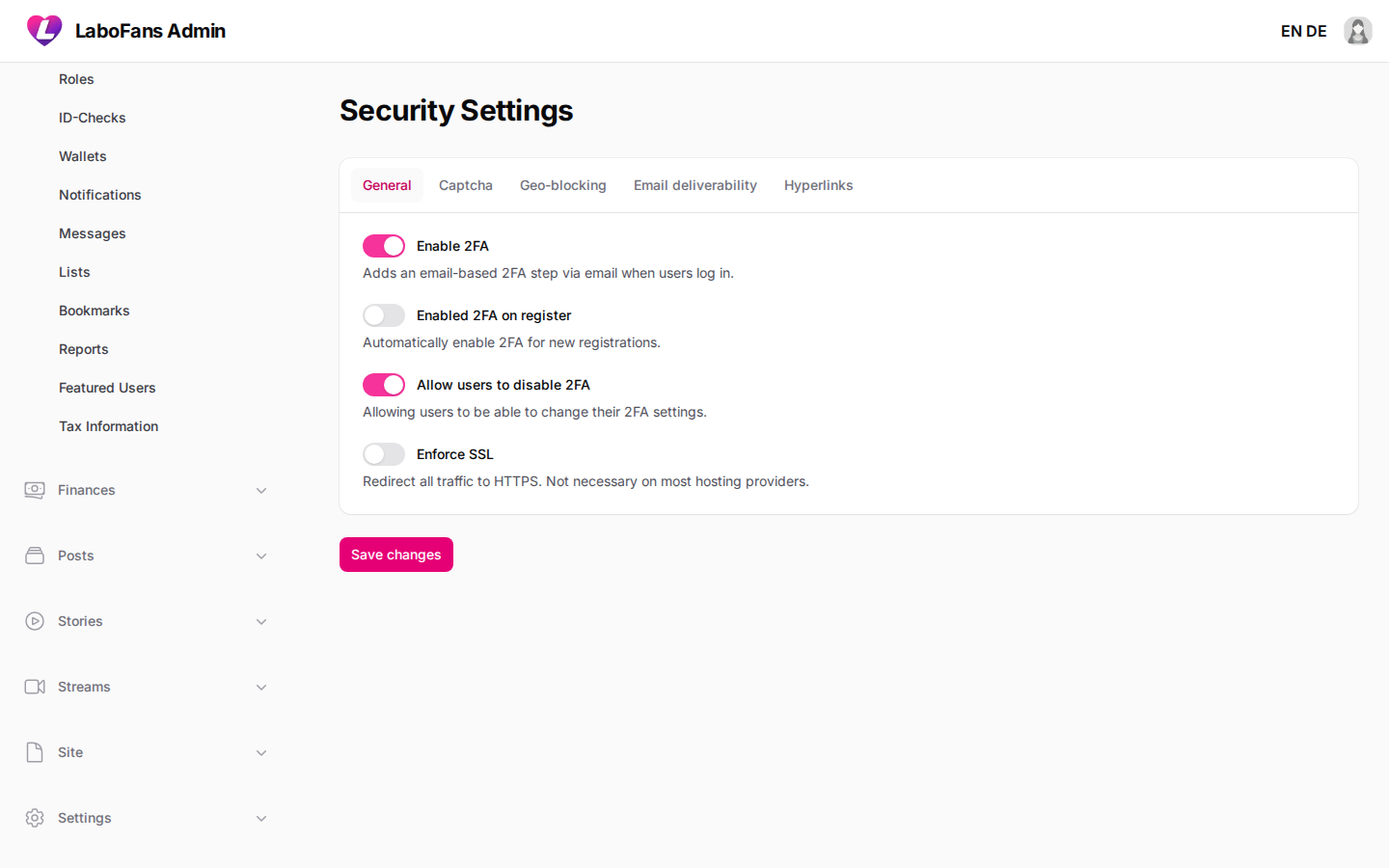
Security
/admin/settings/security
2FA, SSL enforcement, captcha, geo-blocking, email validation.
- Enable Turnstile/hCaptcha/reCAPTCHA keys
- Block countries if required
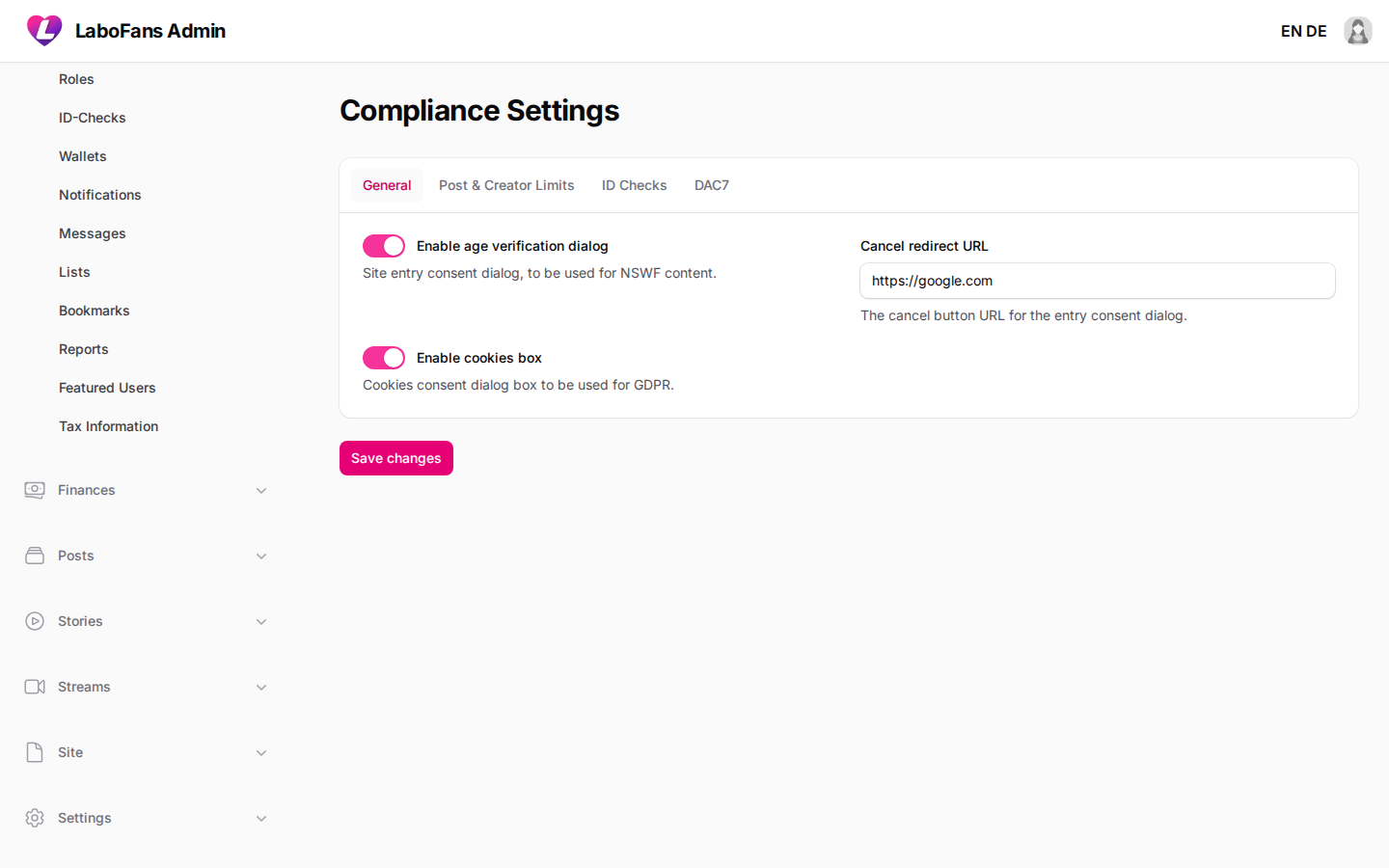
Compliance
/admin/settings/compliance
Age gate, creator post limits, ID-check agreements, DAC7 tax collection.
- Configure age verification dialog
- Set creator approval thresholds and monetization rules
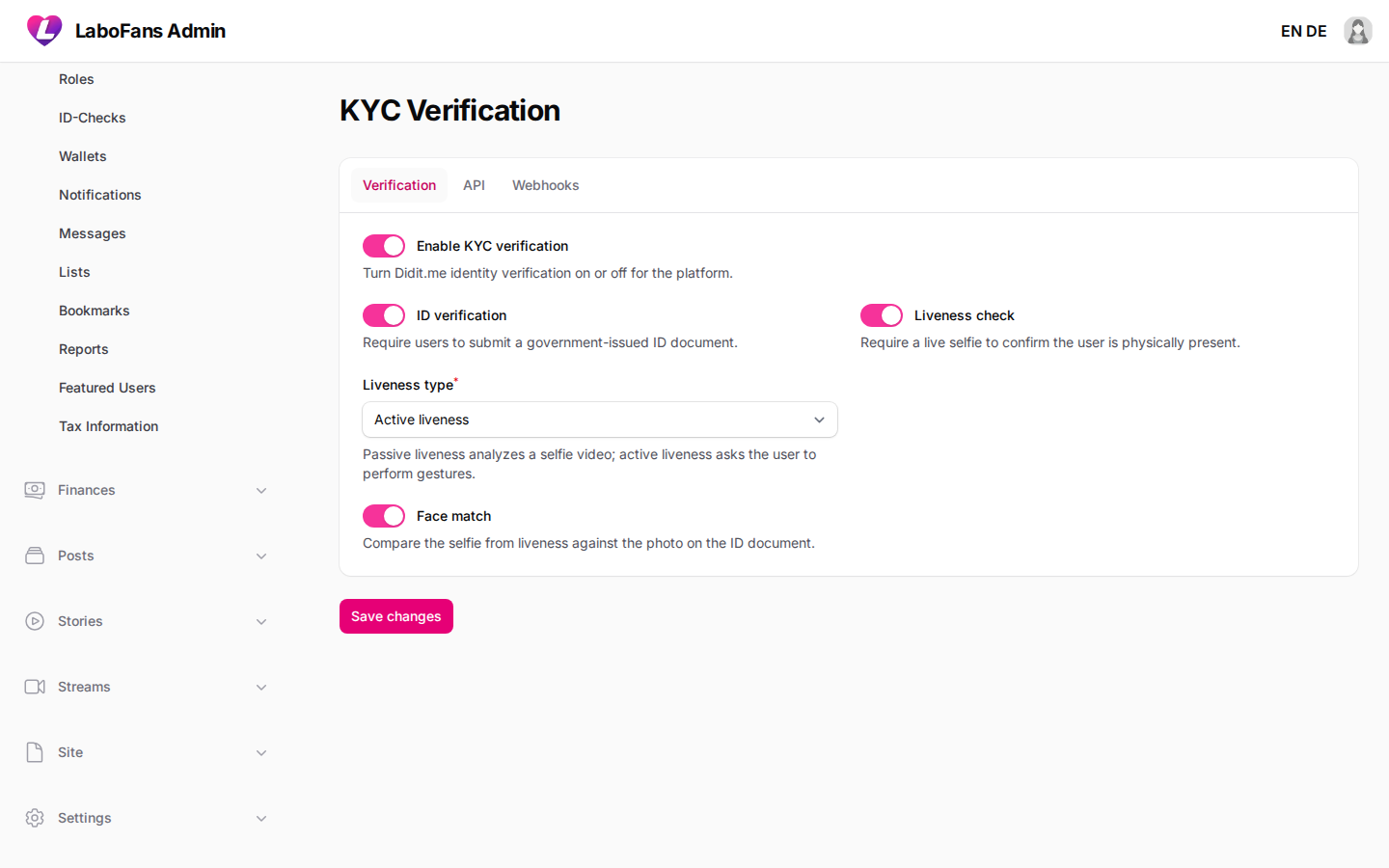
KYC Verification
/admin/settings/kyc
Didit identity verification: API keys, workflow ID, webhook URL, liveness and face match options.
- Enable KYC toggle
- Enter Didit API key, workflow ID, and webhook secret
- Copy webhook URL into Didit dashboard
- Leave API key/secret blank on save to keep existing values
- This is the main place to update Didit credentials without code changes
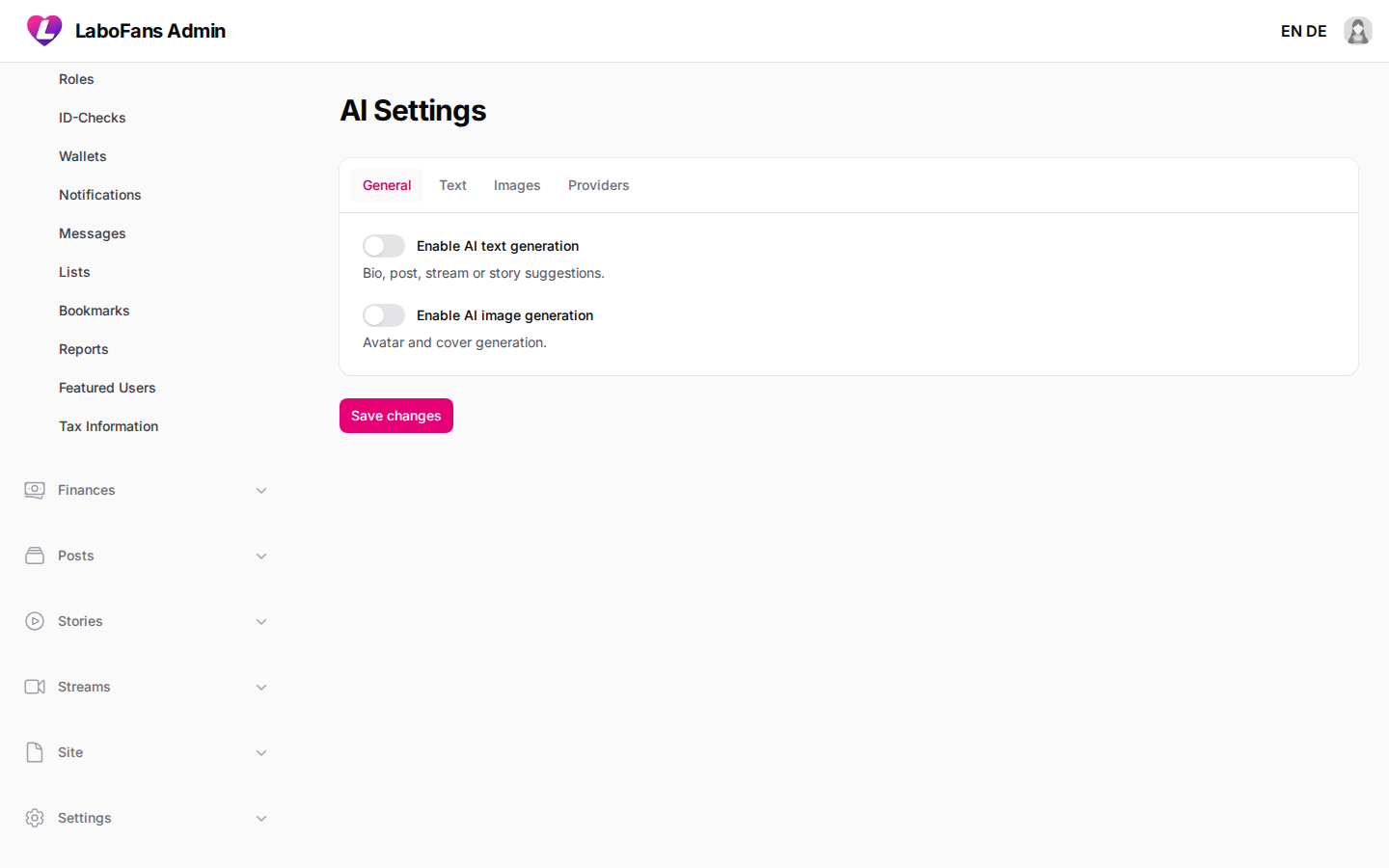
AI
/admin/settings/ai
AI-assisted bio/post suggestions and AI image generation for avatars/covers.
- Enable text or image AI features
- Choose provider/model and add API keys
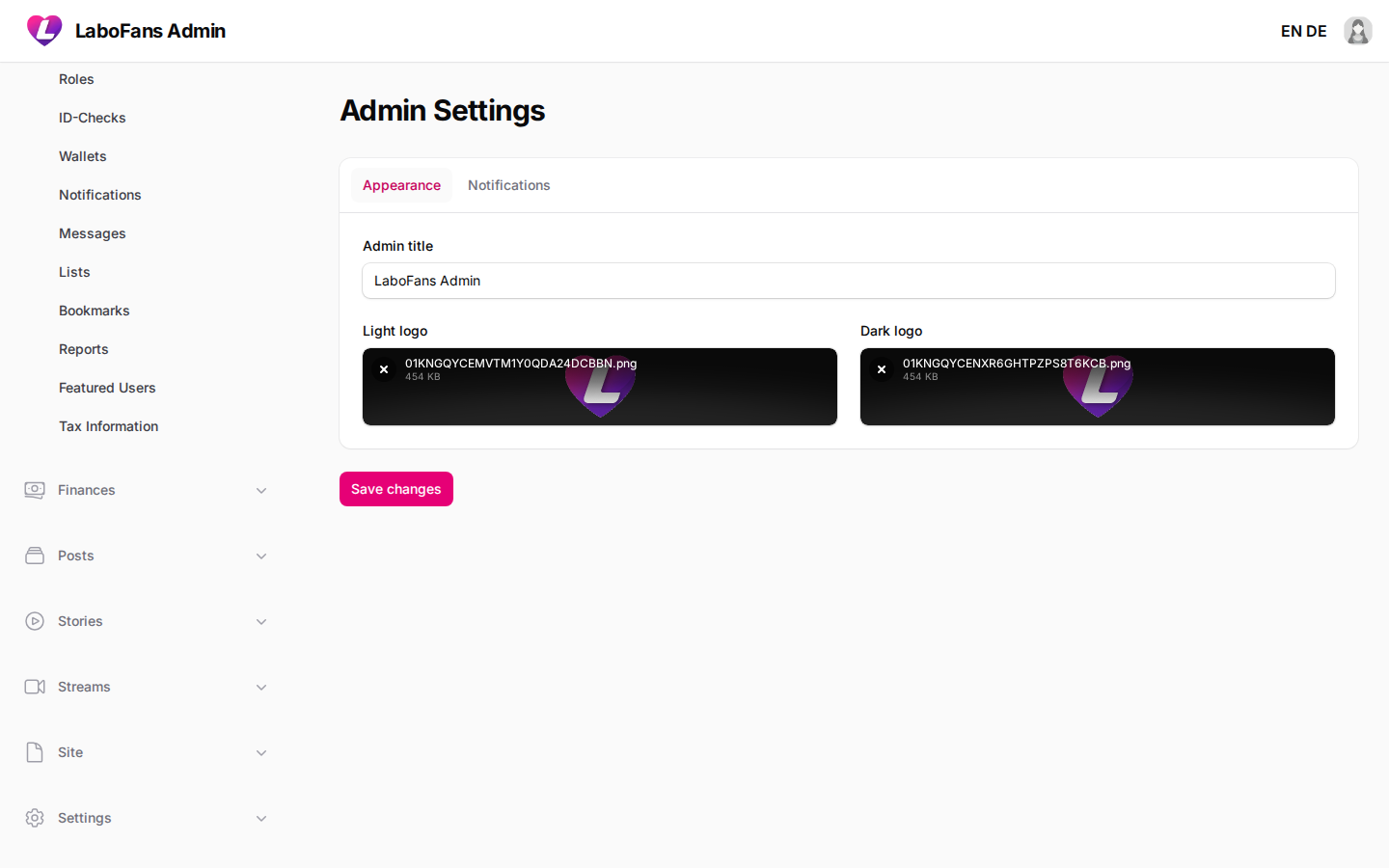
Admin
/admin/settings/admin
Admin panel branding and email alerts for contact messages and pending posts.
- Upload admin light/dark logos
- Toggle notification emails
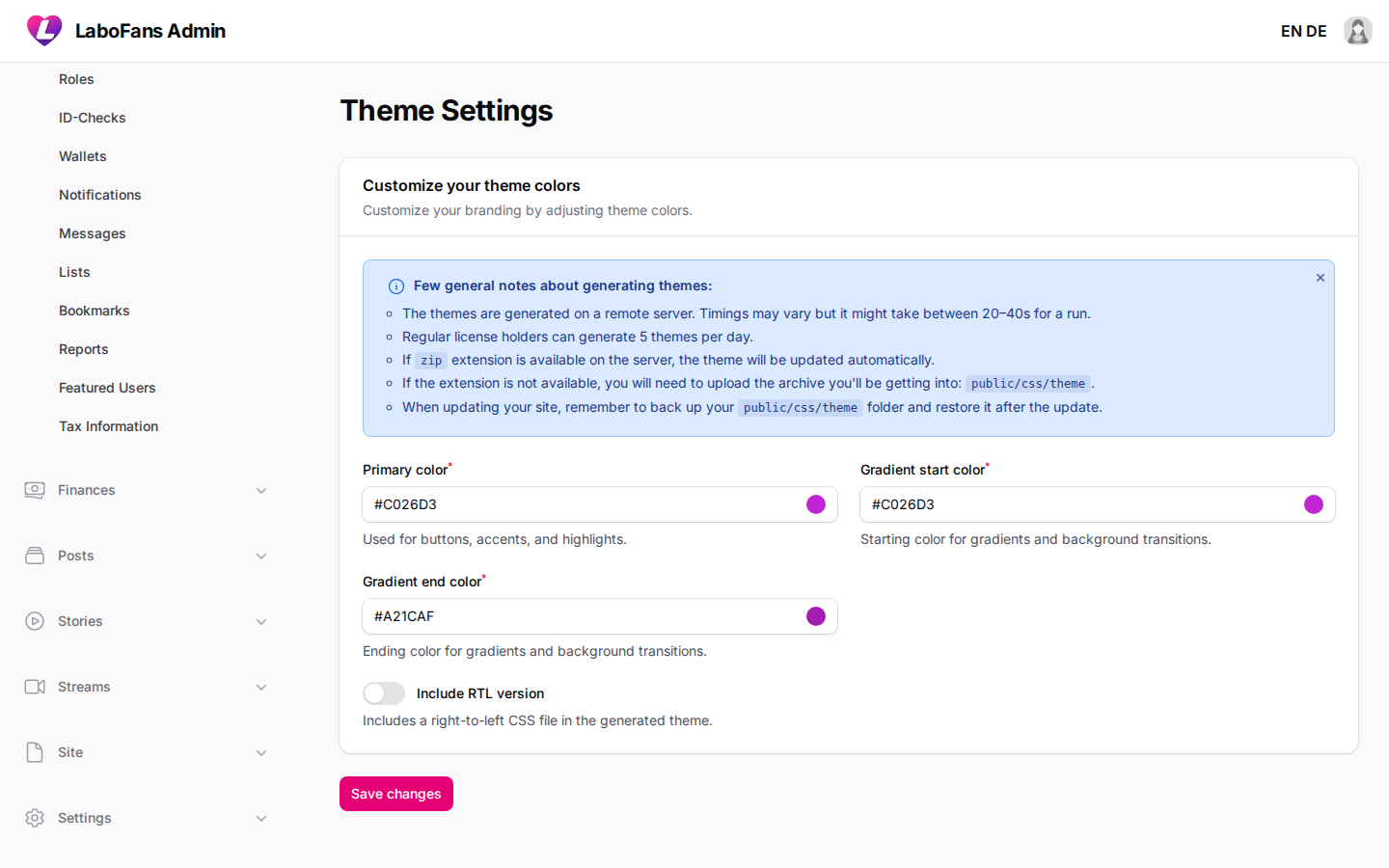
Theme
/admin/settings/colors
Primary color, gradient, and theme generation for the frontend.
- Pick brand colors
- Save to regenerate theme files
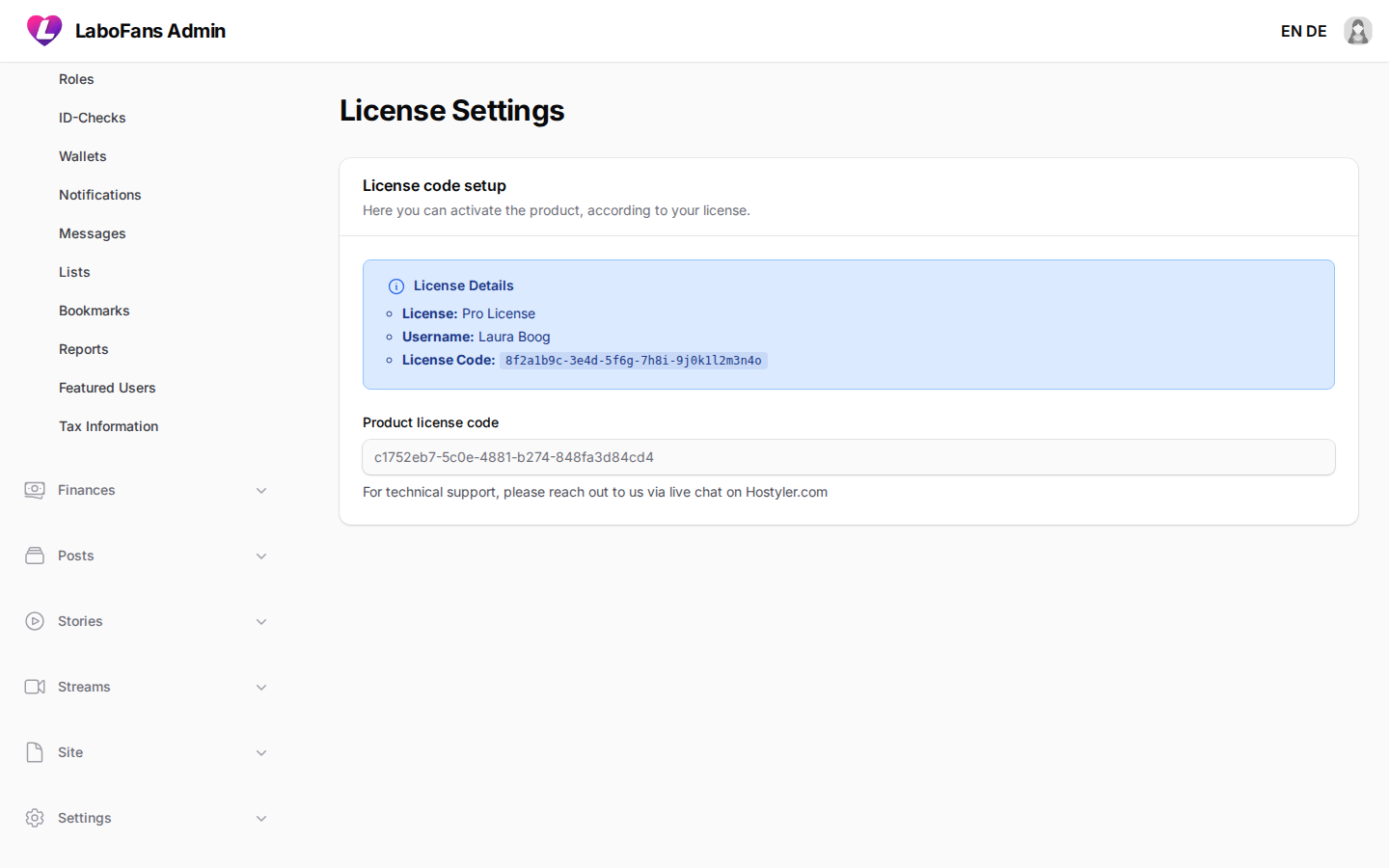
License
/admin/settings/license
Product license status for the LaboFans platform software.
- View license status
- Enter license key if prompted
System
Logs
/admin/logs
View Laravel application logs for debugging errors.
- Open log entries to read stack traces
- Use when the site shows 500 errors or failed jobs
- Share relevant log excerpts with your developer — not full logs publicly